CMP203 User Guide
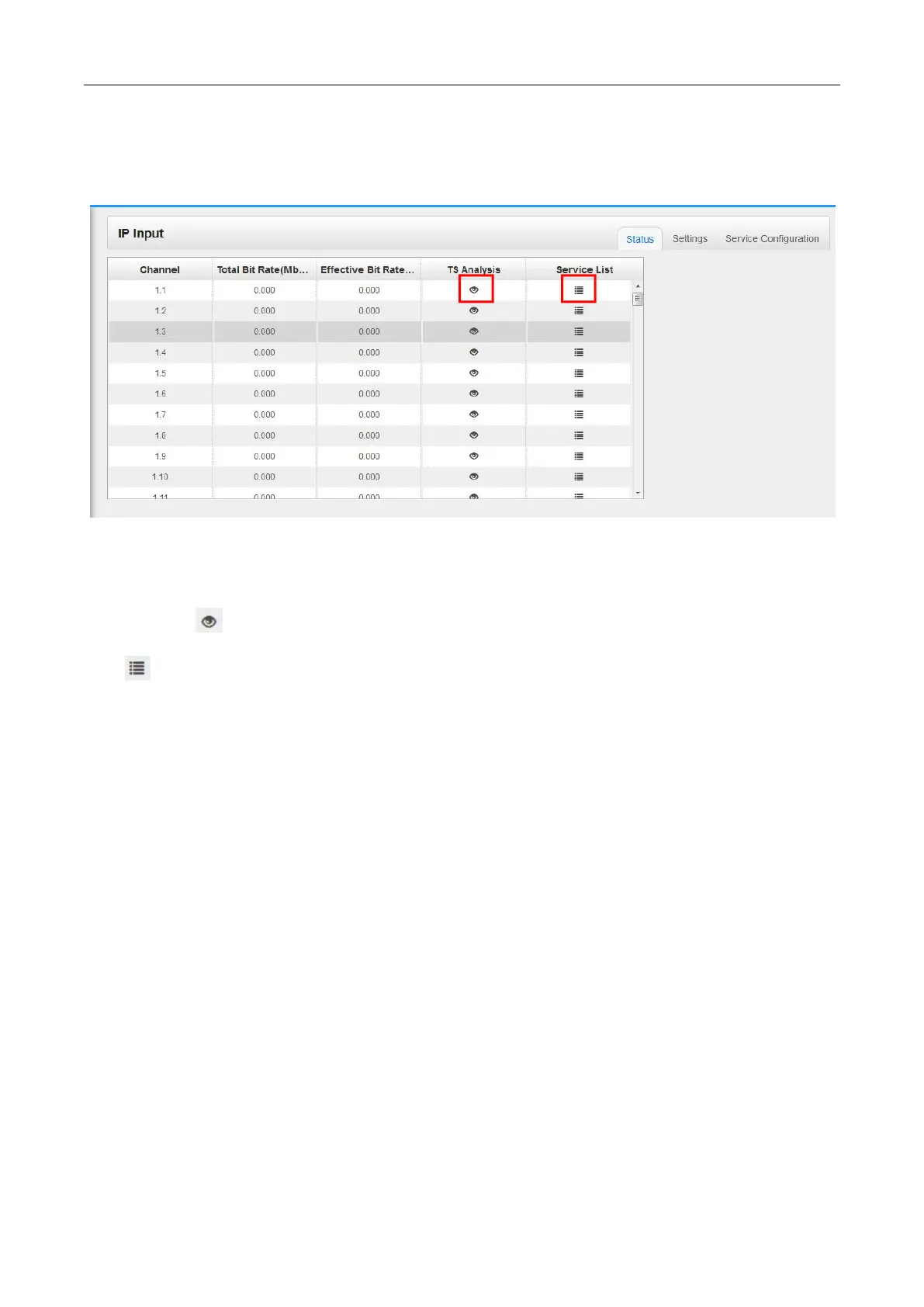
In this page, you can check each channel Total Bit Rate, Effect Bit Rate, TS Analysis and Service
List.
Click the icon ( ) in the TS Analysis list to see the TS analyzing result of this channel. Click the
icon ( ) in the Service List to see the Services of each channel.
TS Analysis
Click Reset Counter button to clear continuity count errors and restart counting. Fill in the search bar
with the key words of PID / Bit rate / bandwidth / table type / service name in the search bar to get the
info you want.


 To Next Page