43
HEAT PUMP
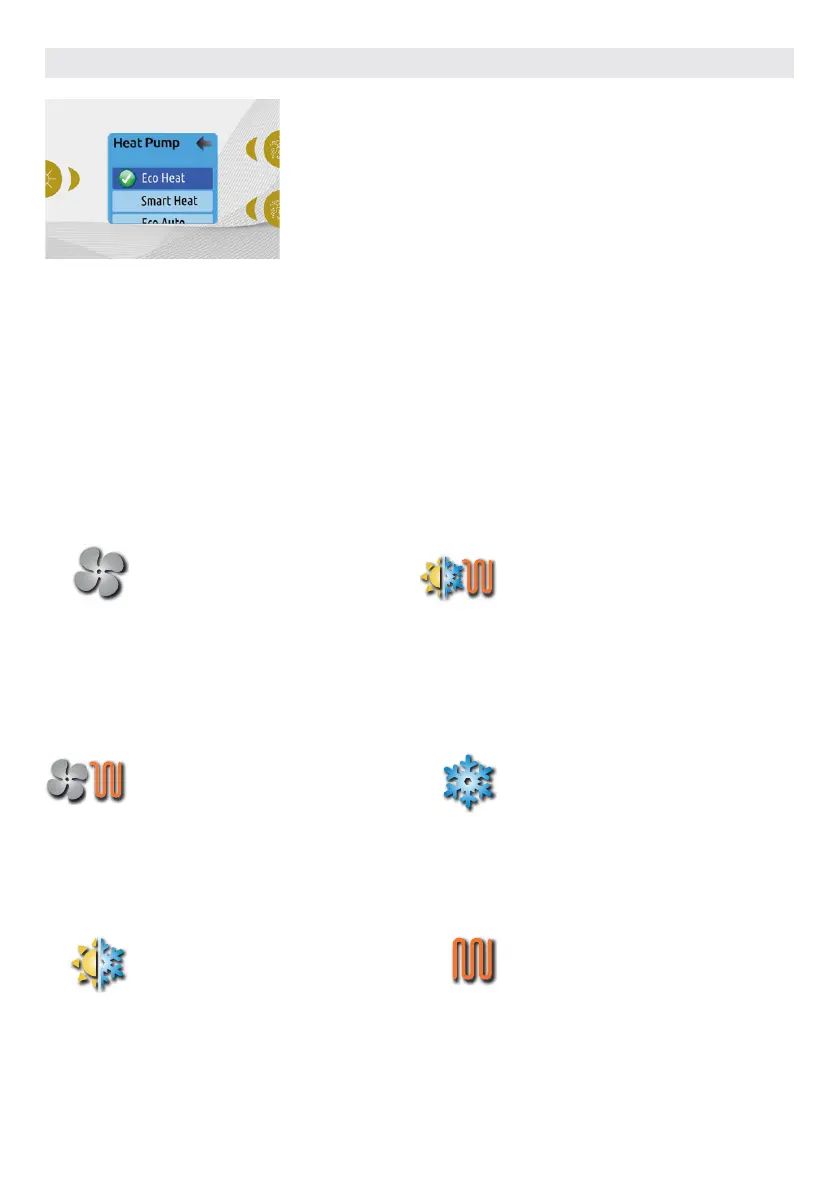
This menu allow you to change the
regulation mode of your heat pump. You
can choose from Eco Heat, Smart Heat,
Eco Auto, Smart Auto, Cool and Electric.
A green checkmark indicates the currently
selected regulation mode. To change the
setting, simply navigate the menu using
the arrow key and press the Light Key to
choose the desired regulation mode.
ECO HEAT
In this mode, the heat pump is used as
the unique source of heating. The heating
element is kept off and the heat pump
is not used to cool the water should its
temperature rise above the current set
point.
SMART HEAT
This mode uses the heat pump as the
main heating source. The heating
element is turned on only if there is a large
temperature difference between the
water and the set point. The heat pump is
not used to cool the water in this mode.
ECO AUTO
This mode borrows functionality from
both Eco Heat and Cool modes and has
the ability to select the proper Heat or
Cool mode automatically according to the
water temperature. The heating element
is never activated in this mode.
SMART AUTO
This mode borrows functionality from
both Smart Heat and Cool modes and
has the ability to select the proper Heat
or Cool mode automatically according
to the water temperature. The heating
element is activated only if there is a large
temperature difference between the
water and the set point.
COOL
This mode uses the heat pump in cooling
mode only. The heat pump is not used as
a heating source and the heating element
is never activated.
ELECTRIC
This mode keeps the heat pump off and
uses only the heating element to regulate
water temperature.
HEAT PUMP MODES
USER INTERFACE EASY 7



 To Next Page