AUDIO
The Easy 7 can be used with the in.tune,
in.stream or in.stream 2 audio systems.
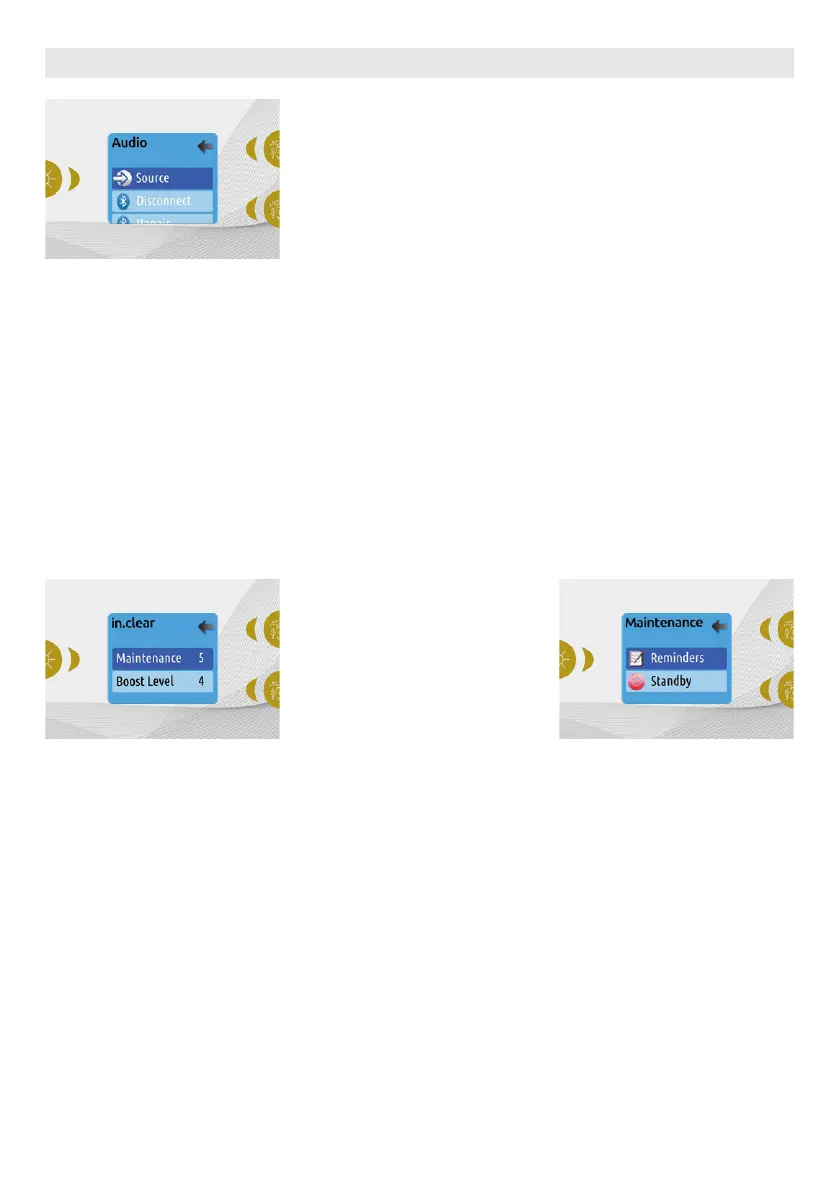
The Audio section in the Settings menu
of an in.stream gives you the option to
disconnect or unpair your Bluetooth
enabled device when using the in.stream.
With version 7.00 and higher, it is also
possible to select Source to use a device
connected by auxiliary cable or Bluetooth
wireless connection.
IN.CLEAR-200 / LINKED VERSION
The Easy 7 keypad can be used with the
in.clear sanitization system. The in.clear
section allows you to configure your
maintenance settings and Boost level.
For more information on maintenance
and Boost settings, see the in.clear user
manual.
* If the maintenance value is modified by more than 2,
a warning message will appear with an option to cancel or confirm the change.
The in.stream 2 Settings menu gives you
a Source selector, a Bluetooth disconnect
option, an On/Off switch and an audio
control on fader, balance and subwoofer.
For more information on audio functions,
see the in.tune, in.stream or in.stream 2
operation section.
Use the Up and Down keys to make your
selection, then light key to confirm.
Use the Up and Down keys to change the
maintenance or Boost value, and light key
to confirm.
The Audio option will only appear in the
menu for keypads that are set up for an
in.stream connection. The in.stream 2 is
automatically detected at power-up.
USER INTERFACE EASY 7
44
MAINTENANCE
From the Settings page you can access
the Maintenance menu, which gives you
access to the following options:
• Maintenance reminders
• Standby
Use the Up and Down keys to make a
selection, and Light key to confirm.



 To Next Page