47
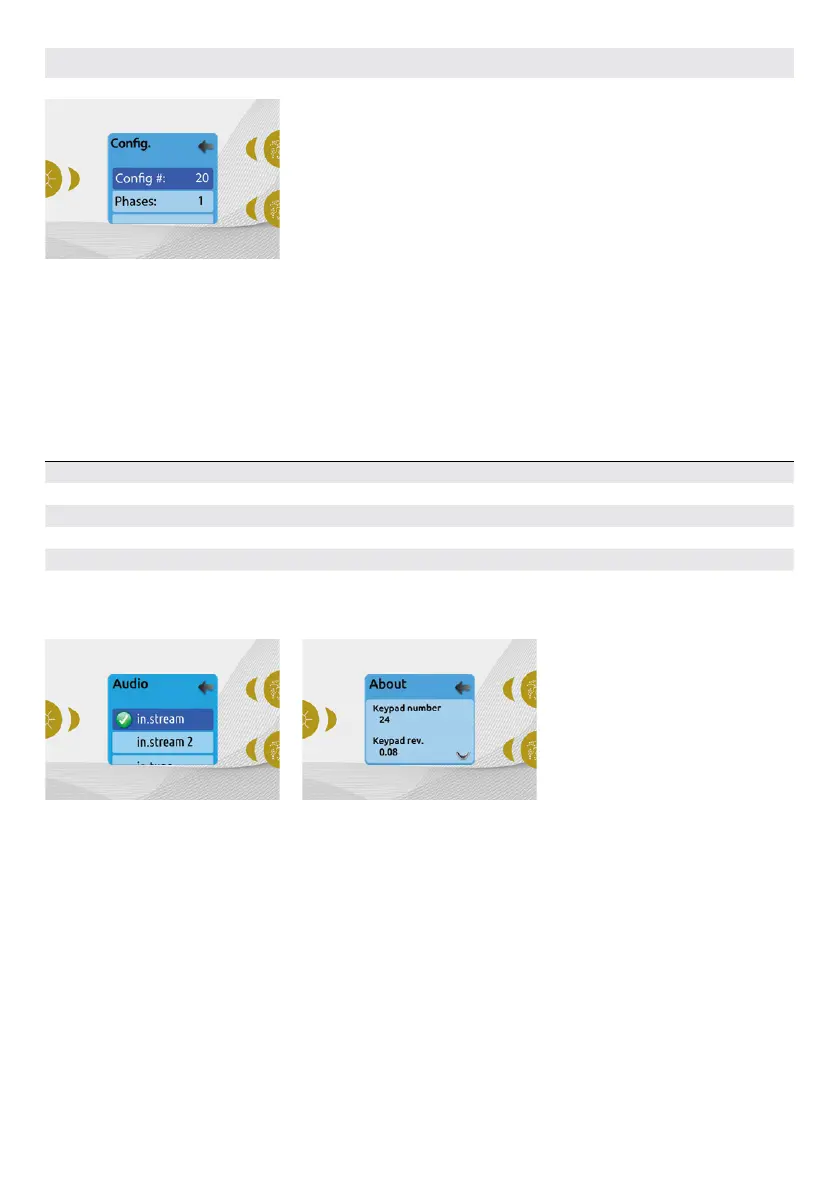
CONFIG
Please do not make changes in the
electrical configuration section unless
you are a qualified electrician.
In this section you can change the low-
level configuration, number of phases,
input current and heat pump current.
Use Up/Down to move between
parameters, and the Light key to select a
parameter to change. Please refer to the
techBook of your specific control system
for hot tub for details about the low level
settings.
Once you have changed the Number of
Phases in the menu, you will be unable
to use the Up/Down keys to return to the
Low-level Configuration menu. Please go
back and re-enter the Config menu.
Note with version 15.00 and higher:
Depending on the pack configuration,
a code may be required to change these
settings. This code is "5555".
The table below shows the key assignation based on the accessories selected in your pack's low level configuration. Please refer to the
Quick Start Card (QSC) for specifications to identify the low level configuration for your hot tub.
POSSIBLE KEY MAPPINGS
Low level configuration Key 1 Key 2 Light
1 pump Pump 1 – Light
2 pumps Pump 1 Pump 2 Light
2 pumps + blower Pump 1 Pump 2 + Blower Light
4 pumps* Pump 1 & Pump 2 Pump 3 + Pump 4 Light
3 pumps + blower* Pump 1 & Pump 2 Pump 3 + Blower Light
* Only pump 1 can have a dual speed.
RESTORE/AUDIO
CONFIGURATION
When you select Restore you will be asked
to confirm your choice. Doing so will reset
all settings to factory default.
Following a restore you will be asked
to choose your audio source. Use the
arrow key to choose between in.stream,
in.stream 2, in.tune and no/other audio.
This should only be done at installation or
when replacing a part.
ABOUT
This section shows information about the
Easy 7 software number, and the revision
numbers of the different components of
your system.
USER INTERFACE EASY 7



 To Next Page