ON/OFF
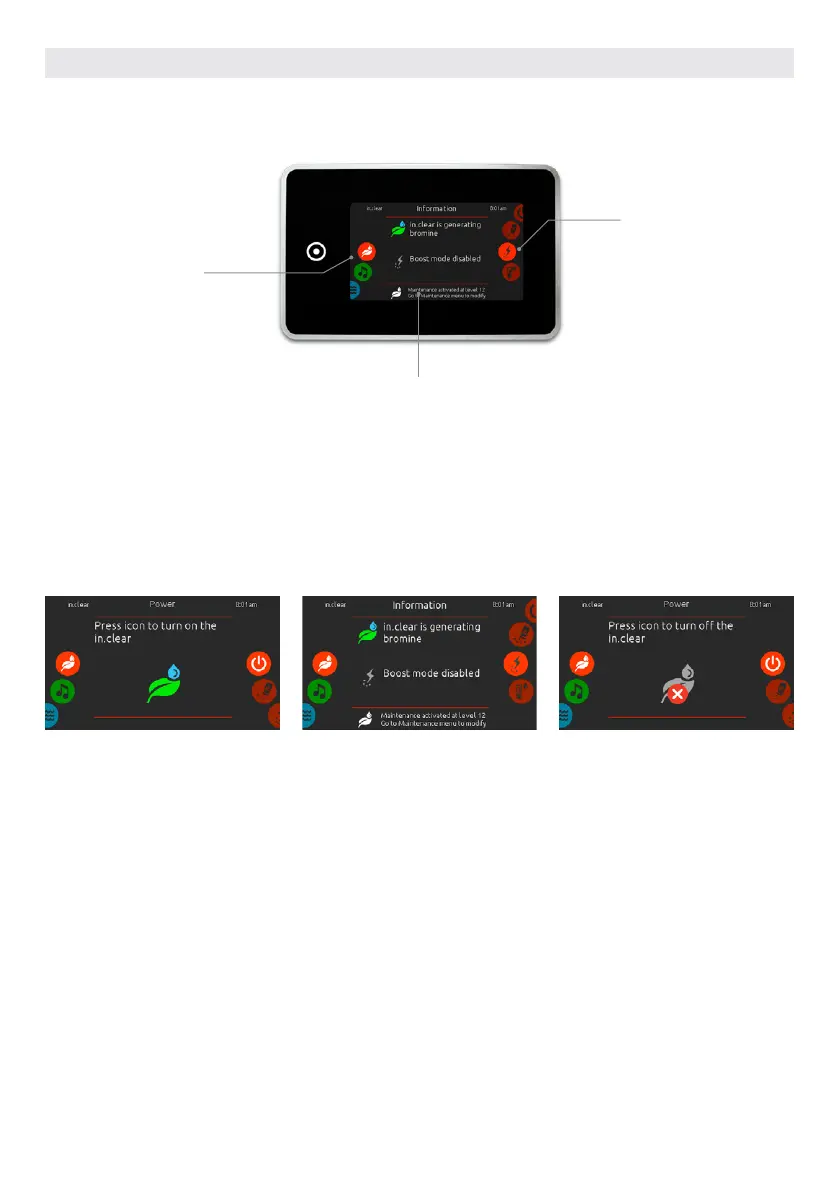
TURN IN.CLEAR ON
Slide the right wheel until the power on/
off icon is highlighted in the middle. Press
on the in.clear icon to turn in.clear on.
IN.CLEAR ACTIVITY SCREEN
The in.clear activity info screen will
appear on the display.
TURN IN.CLEAR OFF
Press on the power on/off icon to turn
in.clear off.
direct to function
selection wheel:
– on/off
– bromicharge
– boost levle
– maintenance
statuts and messages
mode selection
wheel:
in.clear icon
SANITIZATION MODE
(only available if the system detects a connected in.clear water sanitization system)
To select the sanitization mode, slide the left wheel up or down until the in.clear icon menu is highlighted in the
middle.
In the sanitization page you can access the following:
• in.clear on/off • boost level
• bromicharge • maintenance level
To select an item, slide the right wheel until the desired icon is highlighted in the middle.
USER INTERFACE SMART TOUCH
72



 To Next Page