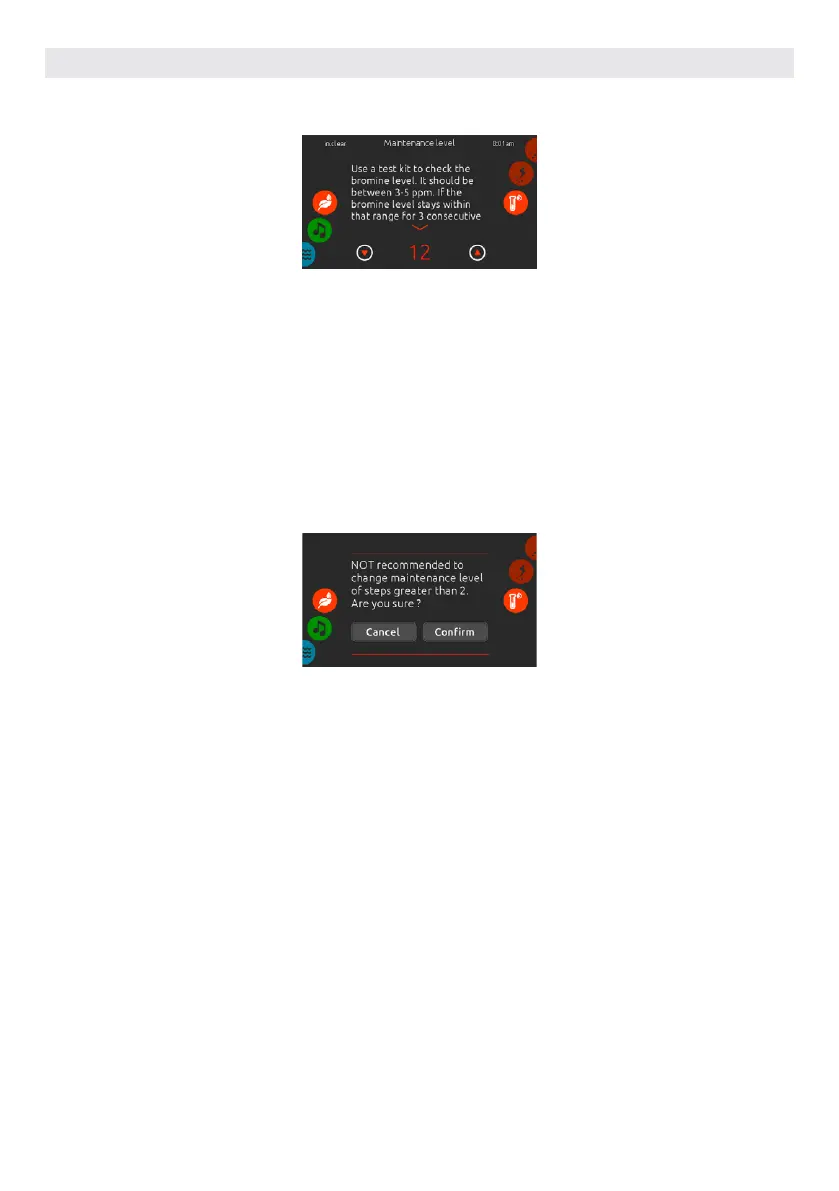
MAINTENANCE LEVEL
Use a test kit to check the bromine level.
It should be between 3-5 ppm. If the
bromine level stays within that range for
3 consecutive days, your maintenance
level is well adjusted.
MODIFY THE MAINTENANCE
LEVEL
To verify or modify the maintenance
level, slide the right wheel until the
maintenance icon is highlighted in the
middle.
The recommended maintenance level
is 12.
Use the up or down arrow keys to
adjust the level.
Note that the level can be adjusted by
increment of 2 using the up and down
arrow keys.
If you do, retest the bromine level the
day after. If the bromine is not in the 3-5
range and is higher than 5 ppm, decrease
the maintenance level. If the bromine
is lower than 3 ppm, increase it. Repeat
until the test reads a bromine level in the
3-5 range.
Please note that it is not recommended
to change the maintenance level at
steps greater than 2.
A confirmation will be asked by the
system if you do.
USER INTERFACE SMART TOUCH
74



 To Next Page