18
ATTACHING ADDITIONAL STAGE UNITS
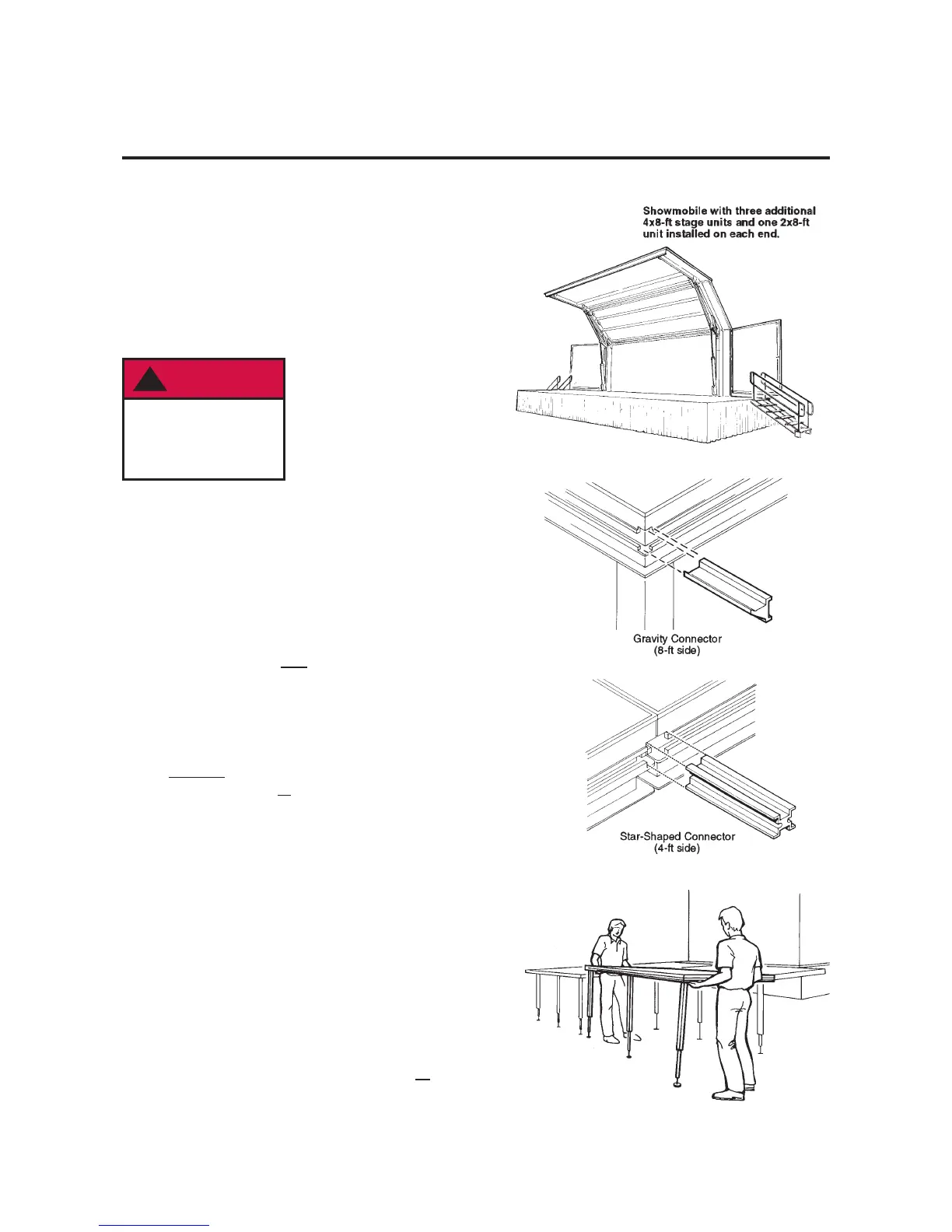
Additional 4' x 8' stage units are optional equipment with the
Showmobile. They can be attached to the road side of the
stage or to the ends, to increase the stage size.
There are also four special 2' x 8' stage units which attach to
the ends of the main stage, to extend it to 32” to match additional
stage setups.
These additional units attach easily to the edge of the stage
or to each other, to provide a rigid continuous surface.
To install the additional stage units:
NOTE: Two types of connectors are used between the
Showmobile stage and additional stage units, or between
two additional units. Generally:
• Gravity connectors are used on the 8' sides of the units.
• Star-shaped connectors on the 4' sides, and around the
perimeter of the stage.
If a stage is set up independently (not attached to the
Showmobile stage), use only star-shaped connectors.
Refer to the illustrations on page 18 for additional clarification.
1. Insert three gravity connectors into the extrusion on the
edge of the Showmobile where the 8' side of the first stage
unit will be attached. Position the connectors so that one will
be centered on the 8' side of the additional unit, and the
others will be about 6" from each end.
2. Plug three legs into the sockets along one of the 8' sides
of the additional stage unit.
3. Lift and tilt the stage unit until it rests on the connectors.
4. Lower the stage unit. If properly installed, its top
surface should be level with the Showmobile stage
surface and it should be firmly held by the connectors.
5. Level the stage unit to match the Showmobile stage, by
adjusting the three legs:
a. If necessary, pull the leg pin and slide the leg extension
in or out until it snaps into the proper hole.
b. Screw the leveling foot in or out to make finer adjustments.
6. Install the remaining stage units in the same way. For stability,
a star-shaped connector must be used in all
locations
shown in the illustrations on page 18.
!
DANGER
To avoid serious
injury, use star and
gravity connectors
as illustrated.


 To Next Page