10
EN
Set Input
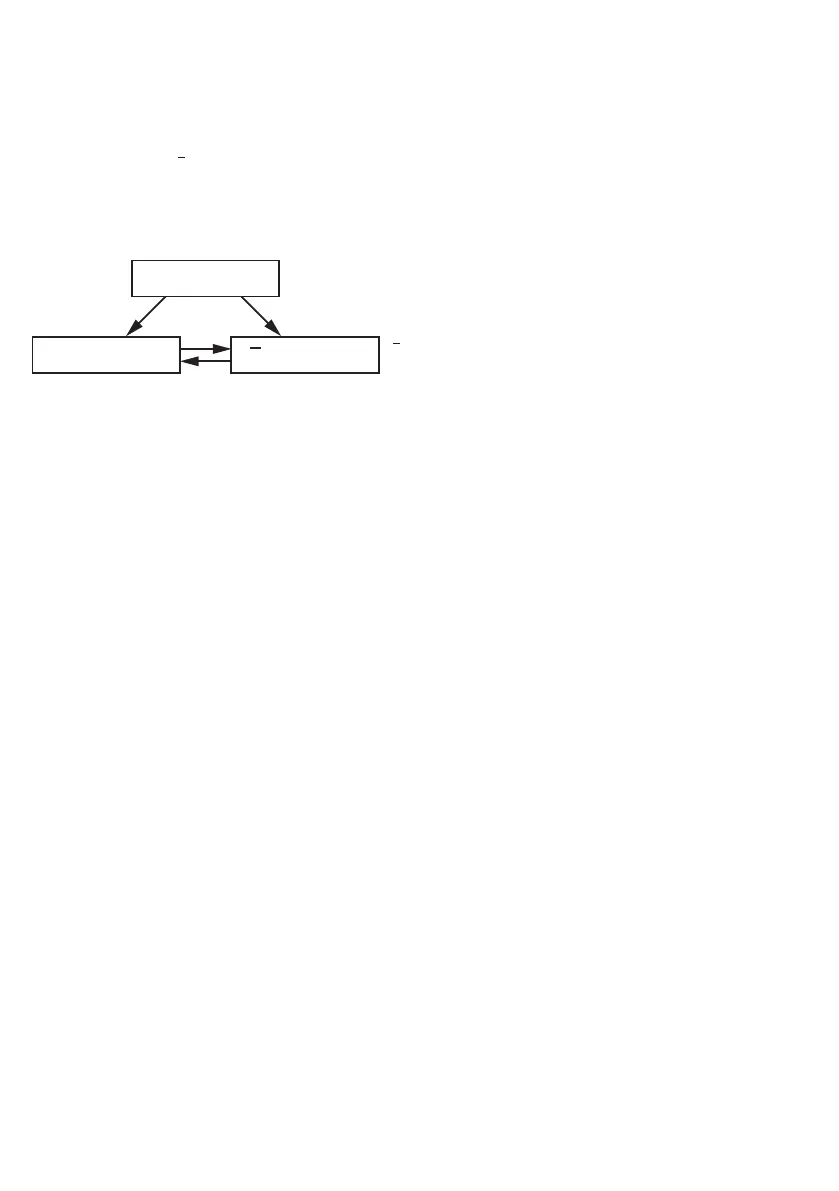
The Input can be used as follows: Emitted Light can be switched off at 24 V (La) or Emitted Light can be
switched off at 0 V
(La)
.
• Rotary Selector Switch Ý to RxD/La Mode
è The U-LED and I-LED indicate the current configuration. RxD is preset in the delivery status. By pressing
the Plus or the Minus key, the configuration can be changed.
Delivery Status
La
U-LED: ON
I-LED: OFF
U-LED: OFF
I-LED: ON
La
= Minus Button / LED
= Plus Button / LED
La = Emitted Light can be switched off at 24 V
La
= Emitted Light can be switched off at 0 V
• Set the rotary selector switch Ý to RUN
Adjustment of the Output
Configuring the analog output as a voltage output:
• Set the rotary selector switch Ý to U / I MODE
è The red F-LED lights up
è If the yellow U-LED lights up: Analog output presently set to 0...10 V
è If the yellow I-LED lights up: Analog output presently set to 4...20 mA
• Briefly press the plus-key
è The Yellow U-LED lights up: Analog output reconfigured to 0...10 V (voltage output)
• Set the rotary selector switch Ý to RUN
Configuring the analog output as a current output:
• Set the rotary selector switch Ý to U / I MODE
è The red F-LED lights up
è If the yellow U-LED lights up: Analog output presently set to 0...10 V
è If the yellow I-LED lights up: Analog output presently set to 4...20 mA
• Briefly press the minus-key
è The yellow I-LED lights up: Analog output reconfigured to 4...20 mA (current output)
• Set the rotary selector switch Ý to RUN
Operate the sensor with high resolution (Resolution-Mode)
• Set the rotary selector switch Ý to RES. / SPEED-MODE
è The red F-LED lights up
è The yellow U-LED lights up: Sensor presently set to high speed
è The yellow I-LED lights up: Sensor presently set to high resolution
• Briefly press the minus-key
The yellow I-LED lights up: Sensor now operates with high resolution.
• Set the rotary selector switch Ý to RUN












 To Next Page