12
EN
8.2. Special Settings
Adjusting the filter function:
• Set the rotary selector switch Ý to FILTER ADJUST
è The red F-LED lights up
è The yellow LEDs are off: Filter function is presently disabled
è Yellow LEDs blink once followed by a pause: filter currently set to level 1 (1/4 cut-off frequency)
è Yellow LEDs blink twice followed by a pause: filter currently set to level 2 (1/16 cut-off frequency)
è Yellow LEDs blink three times followed by a pause: filter currently set to level 3 (1/64 cut-off frequency)
• Briefly press the minus-key 1 to 3 times
è The filter level is reduced by one each time the key is pressed
è The blinking pattern of the yellow LEDs indicates the newly selected filter level
• Briefly press the plus-key 1 to 3 times
è The filter level is increased by one each time the key is pressed
è The blinking pattern of the yellow LEDs indicates the newly selected filter level
• Set the rotary selector switch Ý to RUN
Optimize the exposure time
The exposure time is adapted automatically by the sensor. In the presetted DCM (Default Capture Mode) the
Sensor has a fixed maximal possible Exposure Time. It can be adjusted manually in addition in case of difficult
applications.
By means of the LCM (Long Capture Mode) the Exposure Time of the sensor can be elongated for dark or
highly glossy objects (e.g. black lack) in order to achieve a more exact measurement.
By means of the SCM (Short Capture Mode) the Exposure Time of the sensor can be reduced for dark or highly
glossy objects (e.g. black lack) in order to achieve a reduction of the drop down of the Measurement Rate.
The shining of the U-LED and the I-LED the current setting is indicated. DCM is preset in delivery status. By
pressing of the Plus respectively Minus key the current setting can be changed.
• Set the rotary selector switch Ý to DCM/LCM/SCM
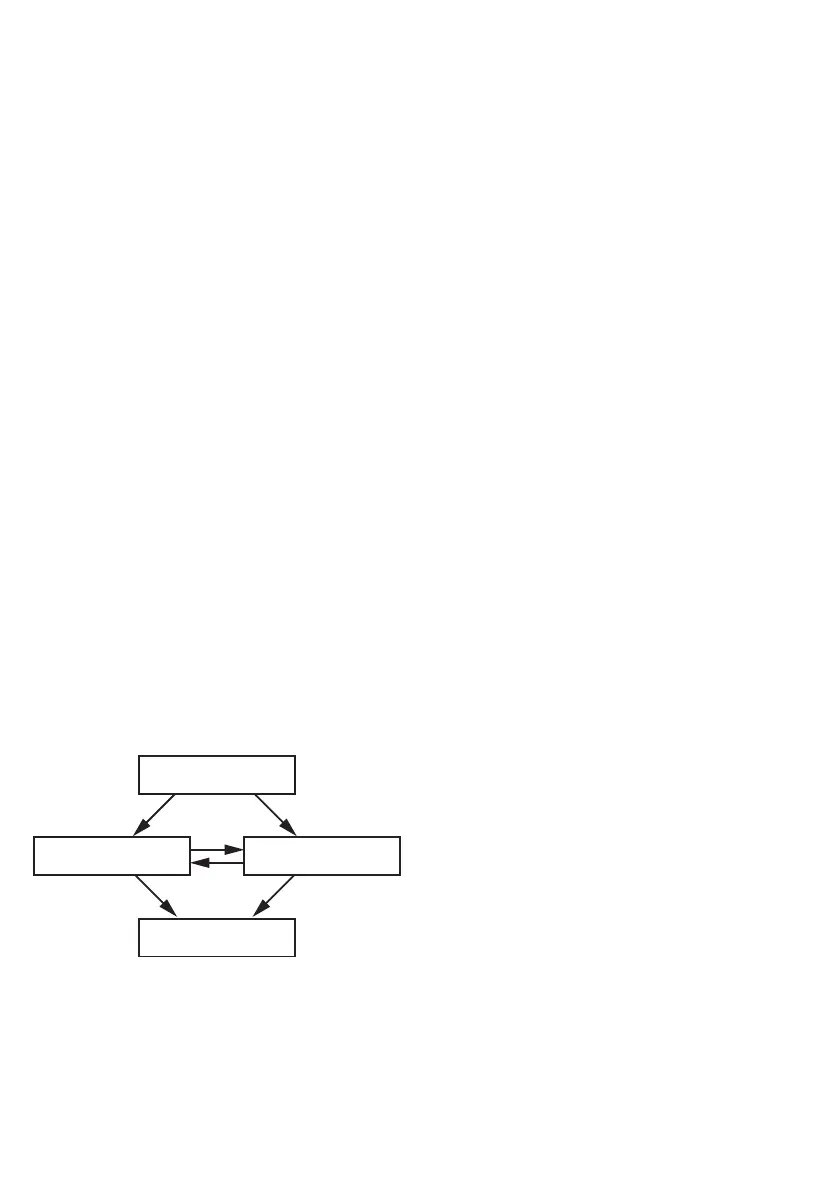
DCM
U-LED: OFF
I-LED: OFF
*
DCM
U-LED: OFF
I-LED: OFF
LCM
U-LED: ON
I-LED: OFF
U-LED: OFF
I-LED: ON
SCM
* Presetting
= Minus Button/ LED
= Plus Button / LED
DCM = Default Capture Mode
SCM = Short Capture Mode
LCM = Long Capture Mode
• Set the rotary selector switch Ý to RUN












 To Next Page