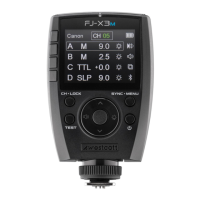
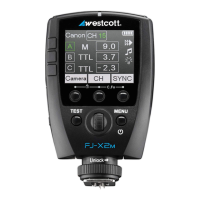
Lower Section
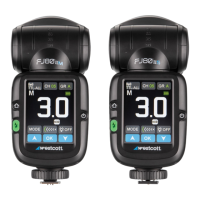
● SYNC Function Button: [High-speed Sync (HSS), Front Curtain Sync, Rear Curtain Sync]
● ZOOM Button: [Automatic (A), , Beam Spread Range Icon]
● HOST Sleep: [Enable/Disable] (Setting disables the on-camera FJ80 from firing when the shutter
release is pressed)
Screen Controls
● Up Arrow
● OK Button
● Down Arrow
FJ80 Speedlight: CLIENT Wireless Operation
Enable CLIENT Mode
1. Quick press the physical Home button to return to the Main Menu on the display.
2. Quick press the digital CLIENT button on the Main Menu to enter HOST Mode.
3. Adjust the touchscreen settings using one of the following methods:
a. Method 1: Press the desired setting’s digital button repeatedly until the desired setting is
visible on the button and/ or touchscreen.
b. Method 2: Quick-press the desired setting’s digital button to highlight the selection and
use the up-and-down arrows to change the settings. Press OK to confirm the selection.
Selectable Digital Touchscreen Buttons
Top Section
● Wireless Button: Fixed; The FJ80 will default and remain in TTL-ALL Wireless Mode when the
CLIENT Mode is enabled.
● Channel Button (CH): [01-31]
● Group Button (GR): [A, B, C, D, E, F, G, H, I, J, L, O, P, Q, S, U]
Middle Section
● TTL Exposure: [+3.0] | M Exposure: [1.0 ~ 9.0]
Lower Section
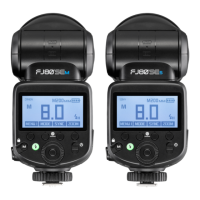
● MODE Function Button: [Manual (M), TTL]
● ZOOM Button: [Beam Spread Range Icon]
● Modeling Lamp Button: [OFF, AUTO, 1-3]

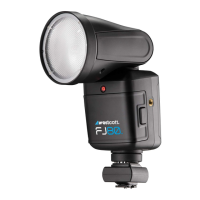

 To Next Page