GETTING STARTED
14
WD MY CLOUD EX2 PERSONAL CLOUD STORAGE
USER MANUAL
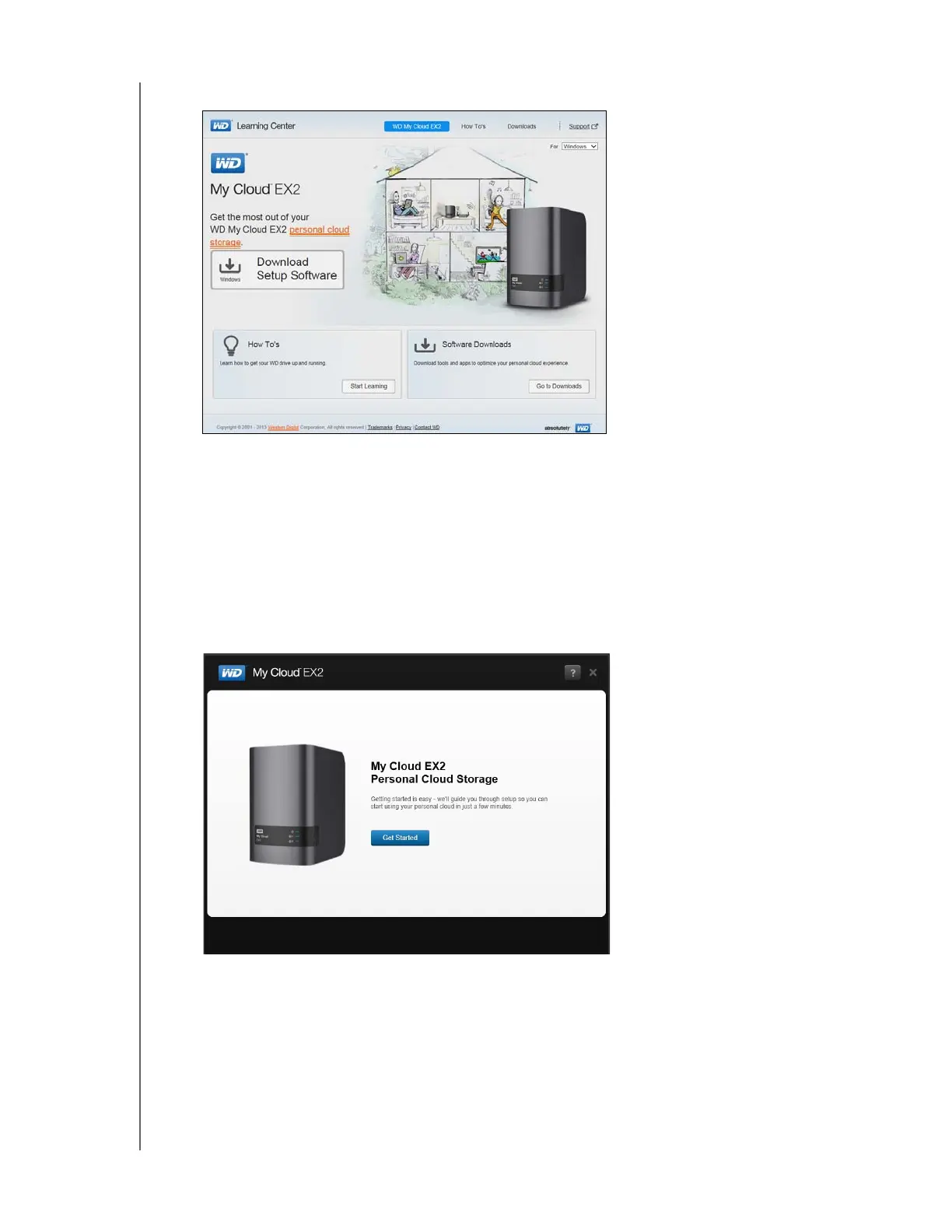
3. Click WD My Cloud EX2 to display the download page:
Note: The online Learning Center automatically detects your operating system
(OS). If you’d like to download setup software for a different operating
system, select your OS from the drop-down menu at the top of the page
before selecting the Download Setup Software button.
4. Click the Download Setup Software button. The setup software downloads to your
computer.
5. Access your downloaded files, and then double-click Setup.exe (Windows) or
WD My Cloud EX2 Personal Cloud Storage Setup.dmg (Mac) to open the setup
software. The Getting Started window displays.



 To Next Page