GETTING STARTED
15
WD MY CLOUD EX2 PERSONAL CLOUD STORAGE
USER MANUAL
Connecting to the Network and Creating a Personal Cloud
1. On the Getting Started window (above), and click Get Started.
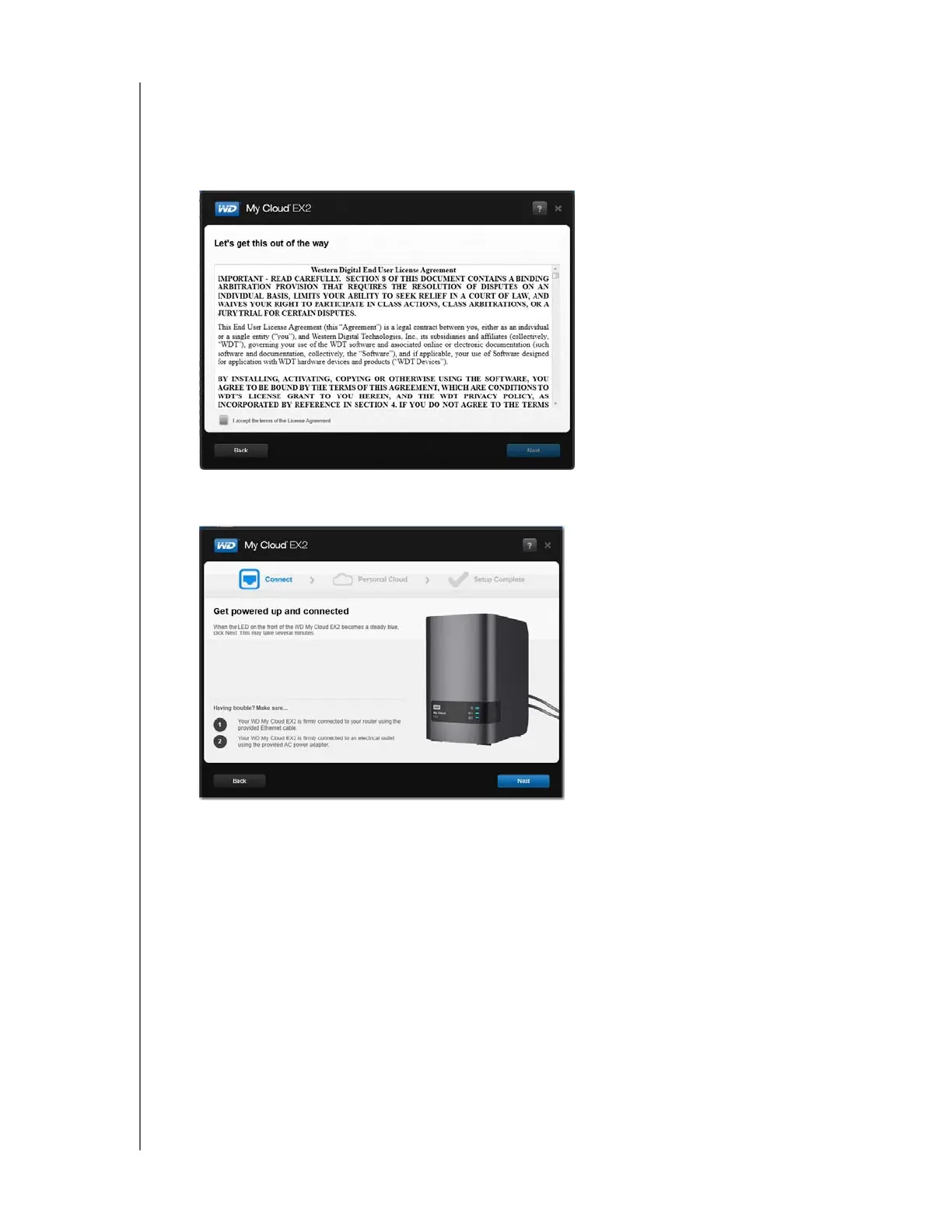
2. Read the Western Digital End User License Agreement that displays, and then select the
“I accept the terms of the License Agreement” check box and click Next.
3. Review the information on the screen,



 To Next Page