GETTING STARTED
17
WD MY CLOUD EX2 PERSONAL CLOUD STORAGE
USER MANUAL
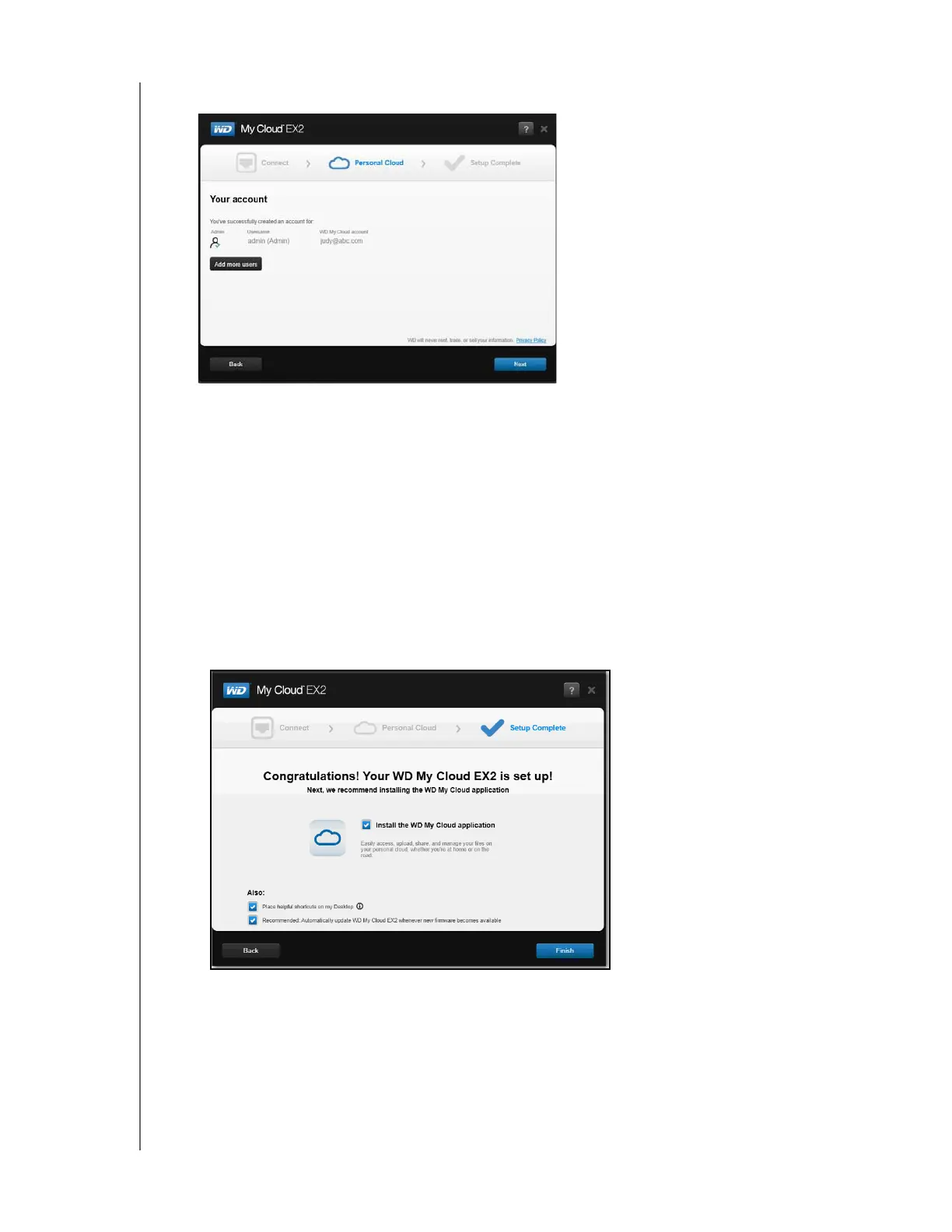
7. Click Next. The Your account screen displays.
8. If you’d like to add users, click Add more users, enter the user information, and then
click the plus sign (+).
If you’d like to skip the add an account step, click Next. You’ll have the opportunity to
create a personal cloud when you create a user account (see
“Adding a Single User” on
page 35).
Note: It may take a few minutes for your email inbox to receive instructions on
accessing the WD My Cloud EX2 device remotely.
9. Check your email to confirm your new account, and then click Next to display the Setup
Complete screen.
Note: You may need to check your email spam folder if your spam filter does not
allow email from WD.
The Congratulations! screen displays. You’ve successfully set up your WD My Cloud
EX2 device.



 To Next Page