MANAGING USERS, GROUPS, AND SHARES
35
WD MY CLOUD EX2 PERSONAL CLOUD STORAGE
USER MANUAL
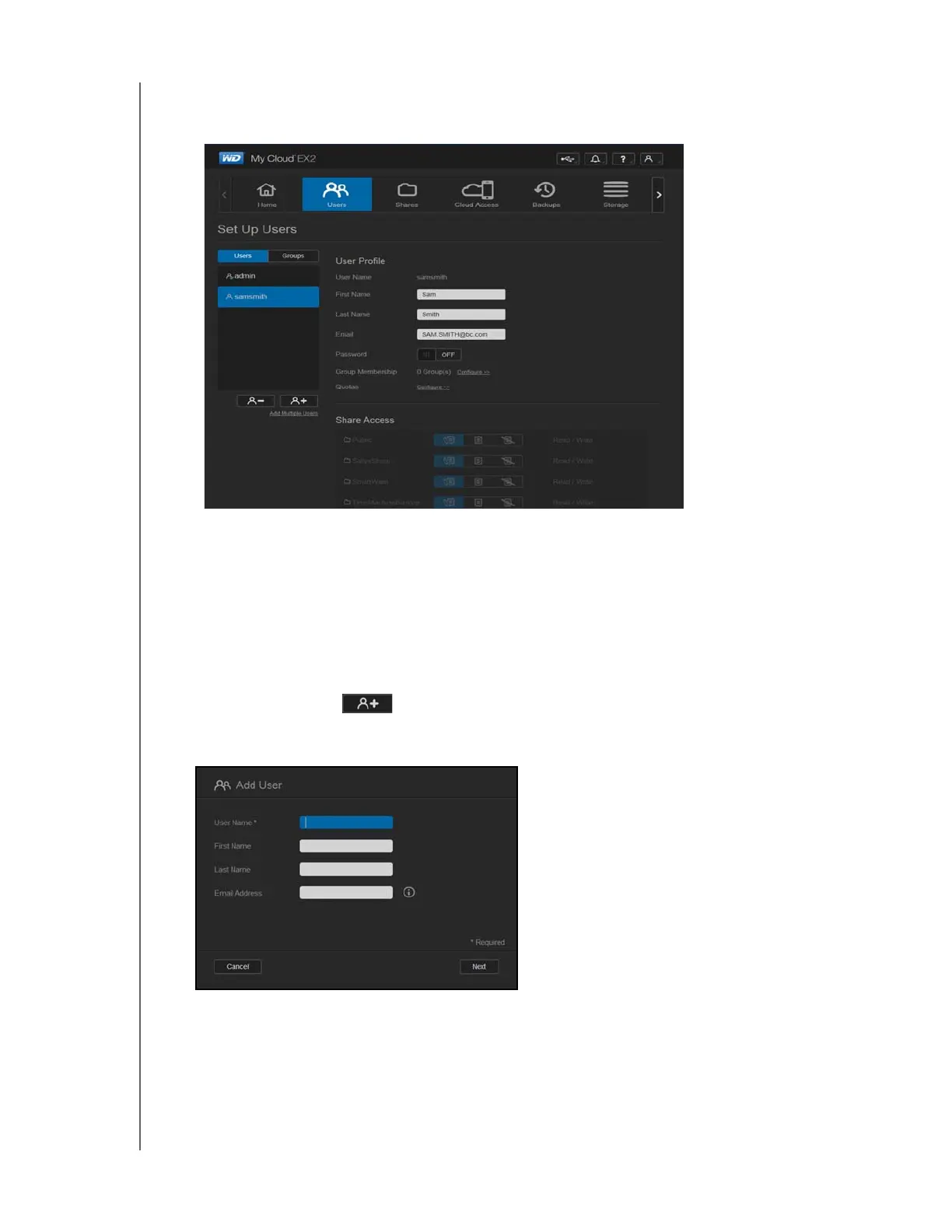
2. To view user details, click a user name on the left pane. The user’s profile and share
access information display. A user can have read only, read/write, or no access to a
share.
Note: The shares in the Share Access section are not editable because they are public
shares. Once you make a share private, the share displays in the list and you can
edit it. (See
“Making a Share Private” on page 47.)
Adding a Single User
The Administrator adds user accounts and sets the parameters of the shares that a user can
access. Use the following steps to add a single user account.
1. To add a user, click in the lower left side of the screen.
2. Enter the User Name, First Name, Last Name and Email address (optional) of the user
you’d like to add in the applicable fields, and then click Next.



 To Next Page