ACCESSING YOUR CLOUD REMOTELY
30
WD MY CLOUD EX2 PERSONAL CLOUD STORAGE
USER MANUAL
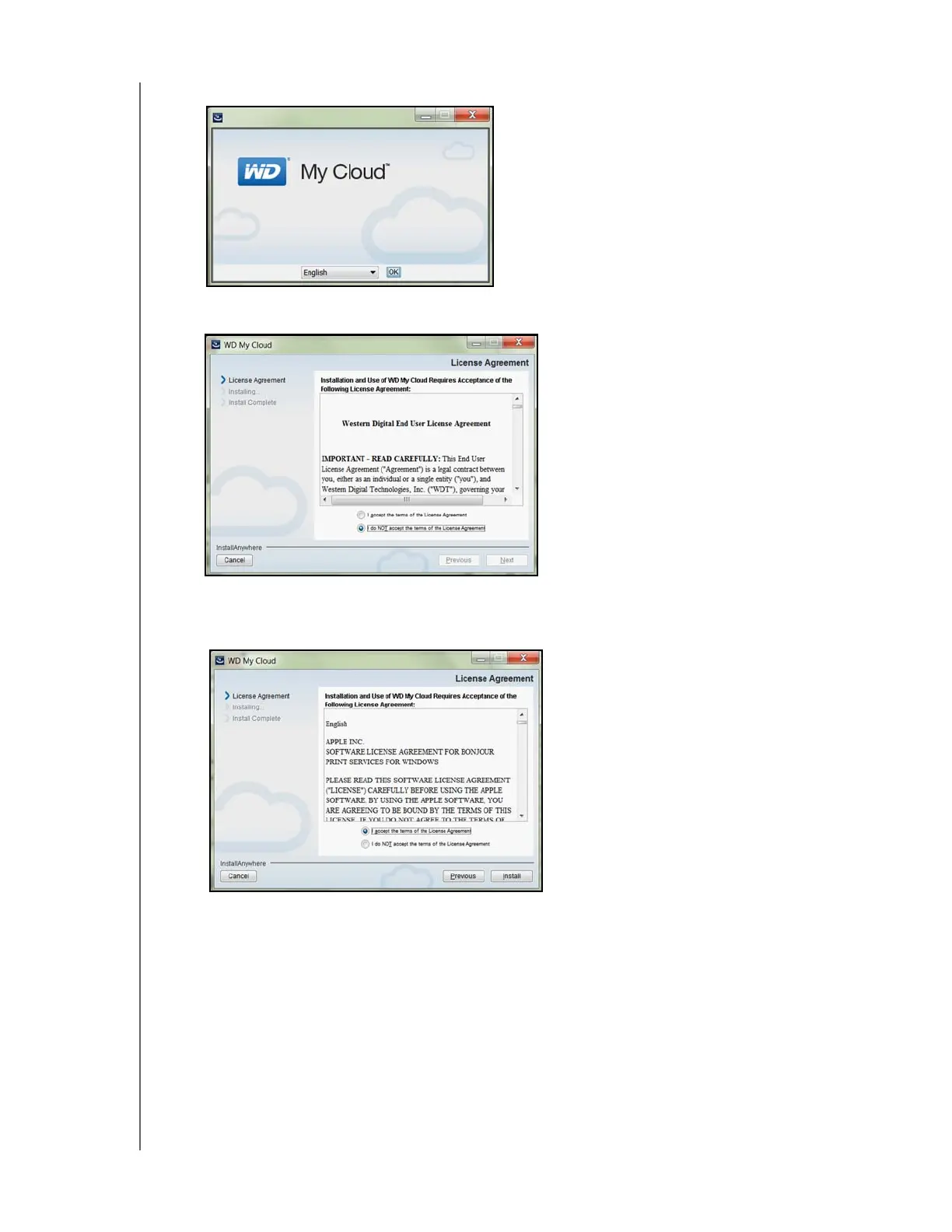
7. Select a language from the drop-down menu, and then click OK.
8. Read the WD License Agreement, and then click I accept the terms of the License
Agreement.
9. Click Next.
10. Read the Apple License Agreement, and then click I accept the terms of the
License Agreement.
11. Click Install. Installation begins.



 To Next Page