ACCESSING YOUR CLOUD REMOTELY
31
WD MY CLOUD EX2 PERSONAL CLOUD STORAGE
USER MANUAL
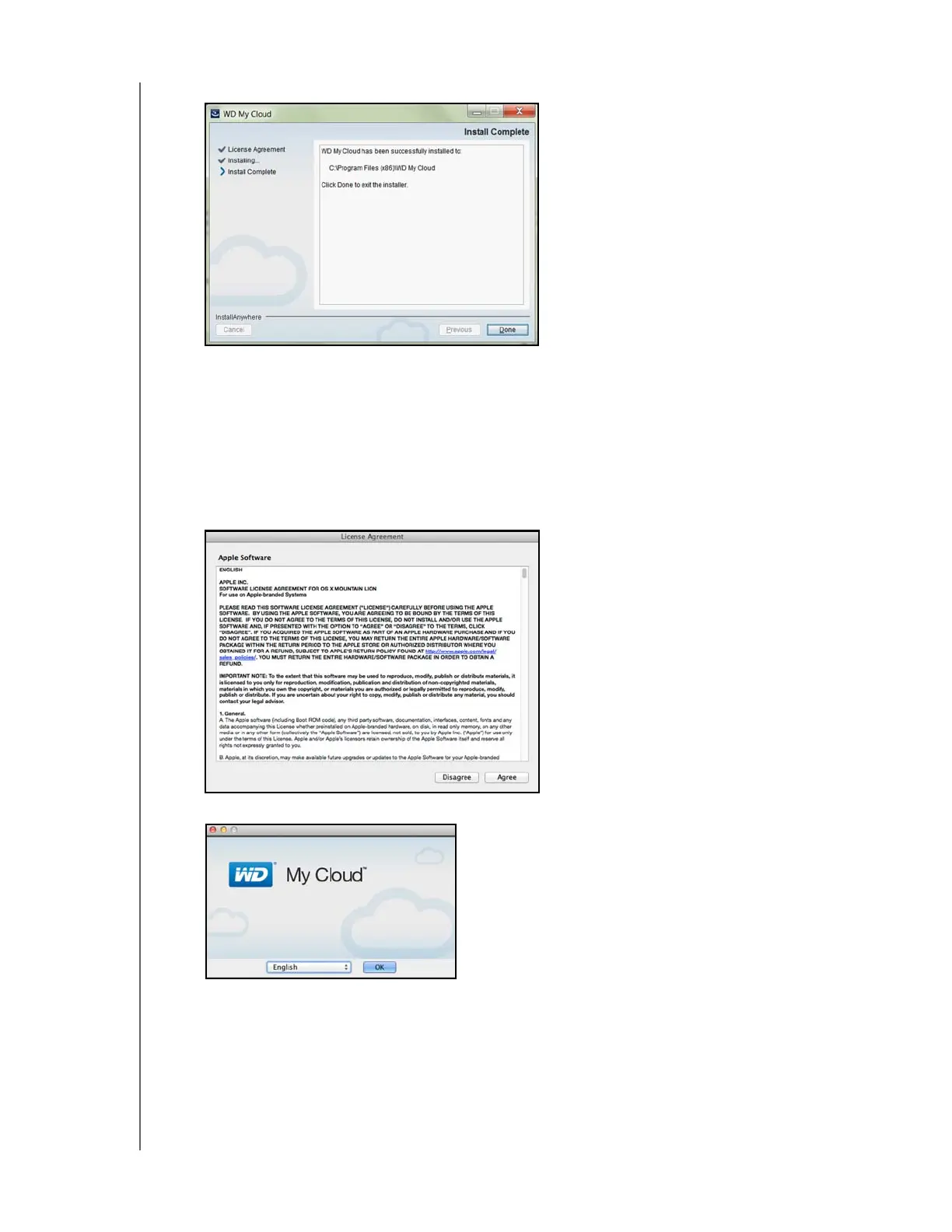
12. Once the installation is complete, click Done to close the WD My Cloud installer.
Mac:
1. Complete Steps 1 - 5 above.
2. Click Downloads and select WD My Cloud Installer.
If asked to install a Java runtime, click Install.
If a warning screen displays, click Open.
3. Read the Apple Software License Agreement, and then click Agree.
4. Select a language from the drop-down menu



 To Next Page