ACCESSING YOUR CLOUD REMOTELY
32
WD MY CLOUD EX2 PERSONAL CLOUD STORAGE
USER MANUAL
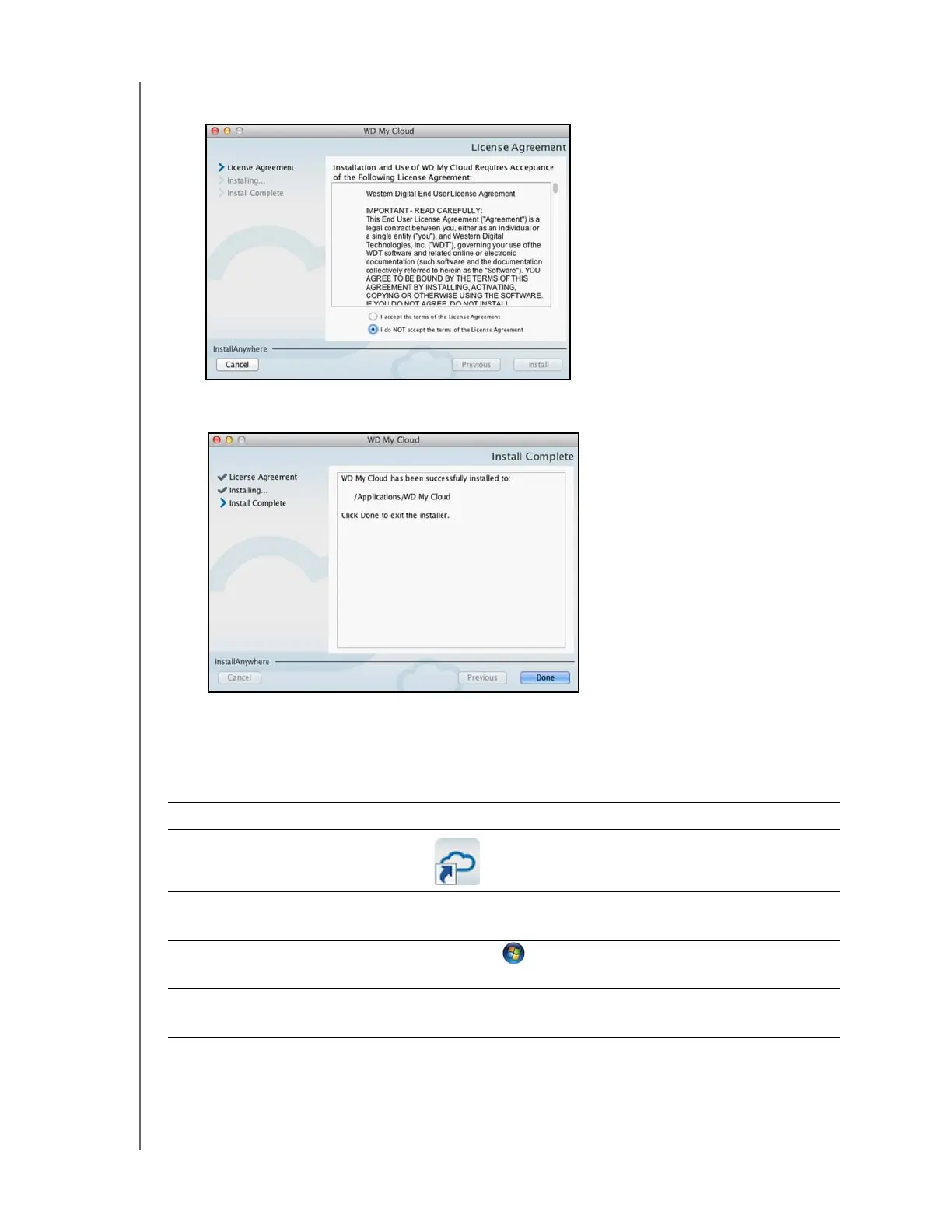
5. Read the WD Software License Agreement, and then click I accept the terms of the
License Agreement.
6. Click Install. The installation begins.
7. Once the installation is complete, click Done to close the WD My Cloud installer.
Launching the WD My Cloud Desktop App
Once you’ve installed the WD My Cloud Desktop app, use the following steps to access
your WD My Cloud EX2 media files:
IF you want to launch from . . . THEN . . .
Desktop Icon
Double-click the WD My Cloud Desktop icon.
Windows 8 or 8.1
1. On the Start page, type WD My Cloud.
2. Click WD My Cloud.
Windows 7/Vista/XP 1. Click or Start > (All) Programs.
2. In the left panel, select WD My Cloud > WD My Cloud.
Mac OS X 1. Click Finder>Applications
2. Select WD My Cloud > WD My Cloud.



 To Next Page