THE DASHBOARD AT A GLANCE
61
WD MY CLOUD EX2 PERSONAL CLOUD STORAGE
USER MANUAL
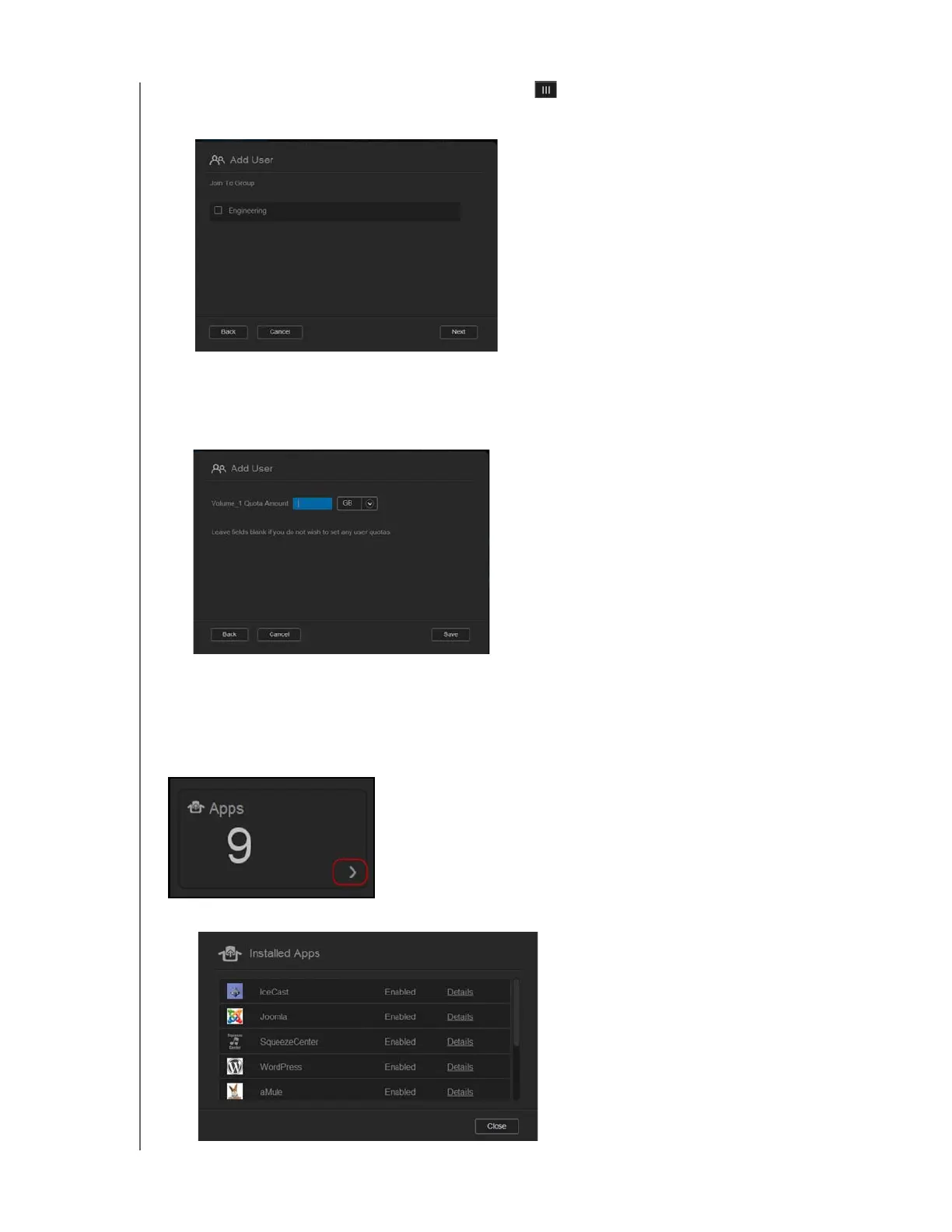
3. To assign a password, click the toggle button , enter a password, and then confirm
your password. Click Next to display the user group screen.
4. To assign a group to the new user, click the check box next to a group, and then click
Next to display the Add User screen.
5. Enter the Quota Amount, or leave the values blank for unlimited space, and then click
Save. You’ve added a new user.
Apps
The Apps panel displays the apps currently installed on your WD My Cloud EX2 device.
1. To view the installed apps, click the arrow in the lower right of the panel to display:



 To Next Page