MANAGING STORAGE ON WD MY CLOUD EX2
84
WD MY CLOUD EX4 PERSONAL CLOUD STORAGE
USER MANUAL
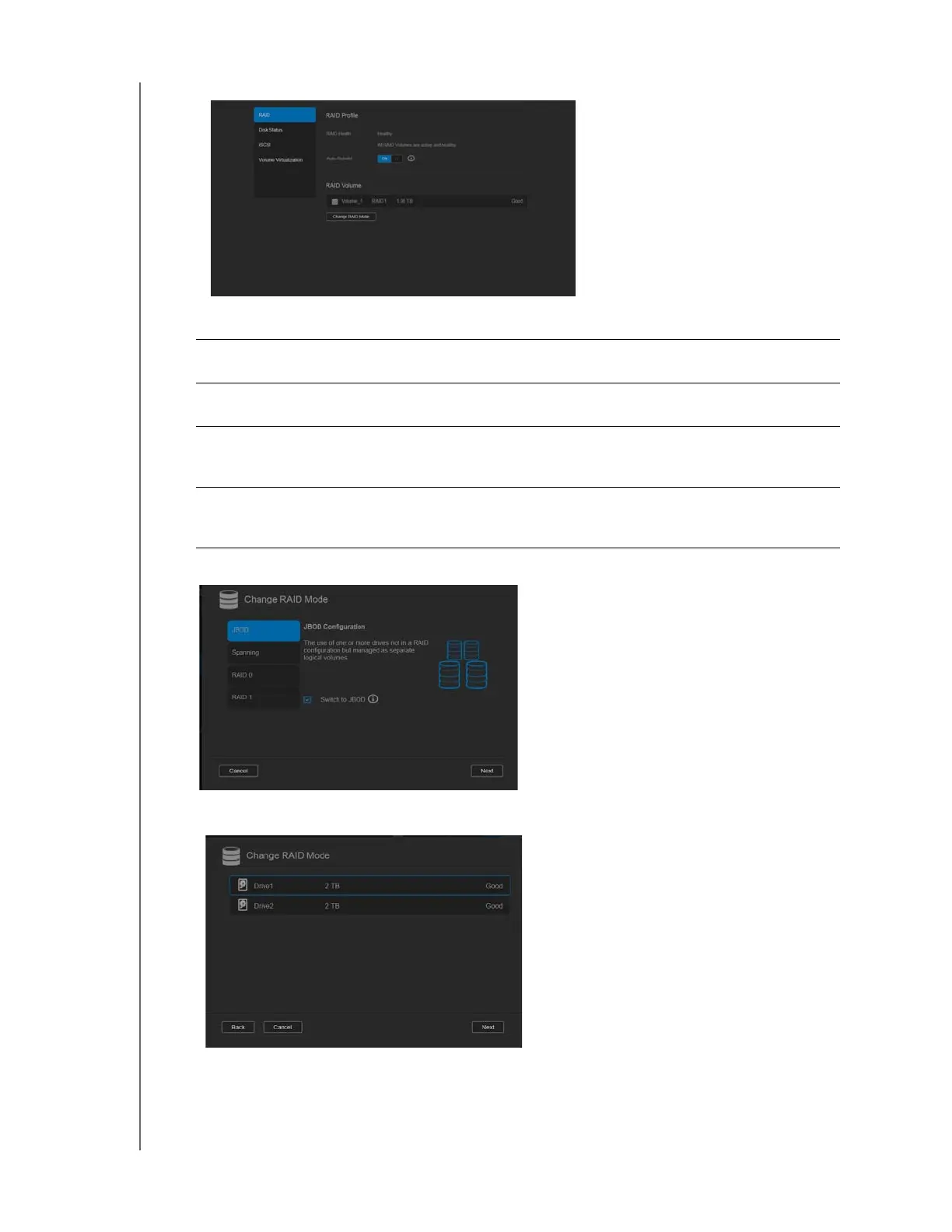
5. Select the RAID mode you’d like to use for your WD My Cloud EX2 device.
Options include:
6. Select the Switch to <RAID Mode> check box, and then click Next.
7. Review the status of your hard drives, and then click Next.
JBOD The use of one or more drives not in a RAID configuration but
managed as separate logical volumes.
Spanning Combination of drives in a linear fashion to create one large logical
volume.
RAID 0 Data is striped across multiple hard drives, enabling accelerated
reading and recording of data by combining the work of two or more
drives to increase performance.
RAID 1 Two instantaneous copies of the data are recorded on separate hard
drives so if one of them fails, other(s) continue to read/write data until
the faulty hard drive is replaced.



 To Next Page