MANAGING STORAGE ON WD MY CLOUD EX2
85
WD MY CLOUD EX4 PERSONAL CLOUD STORAGE
USER MANUAL
8. Using the Volume slider, select the amount of space you’d like to dedicate to the
selected RAID mode.
If you choose not to use the entire volume for your RAID selection, you can configure
the remaining disk space as Spanning by selecting the Configure the remaining
disk space as Spanning check box.
9. Click Next.
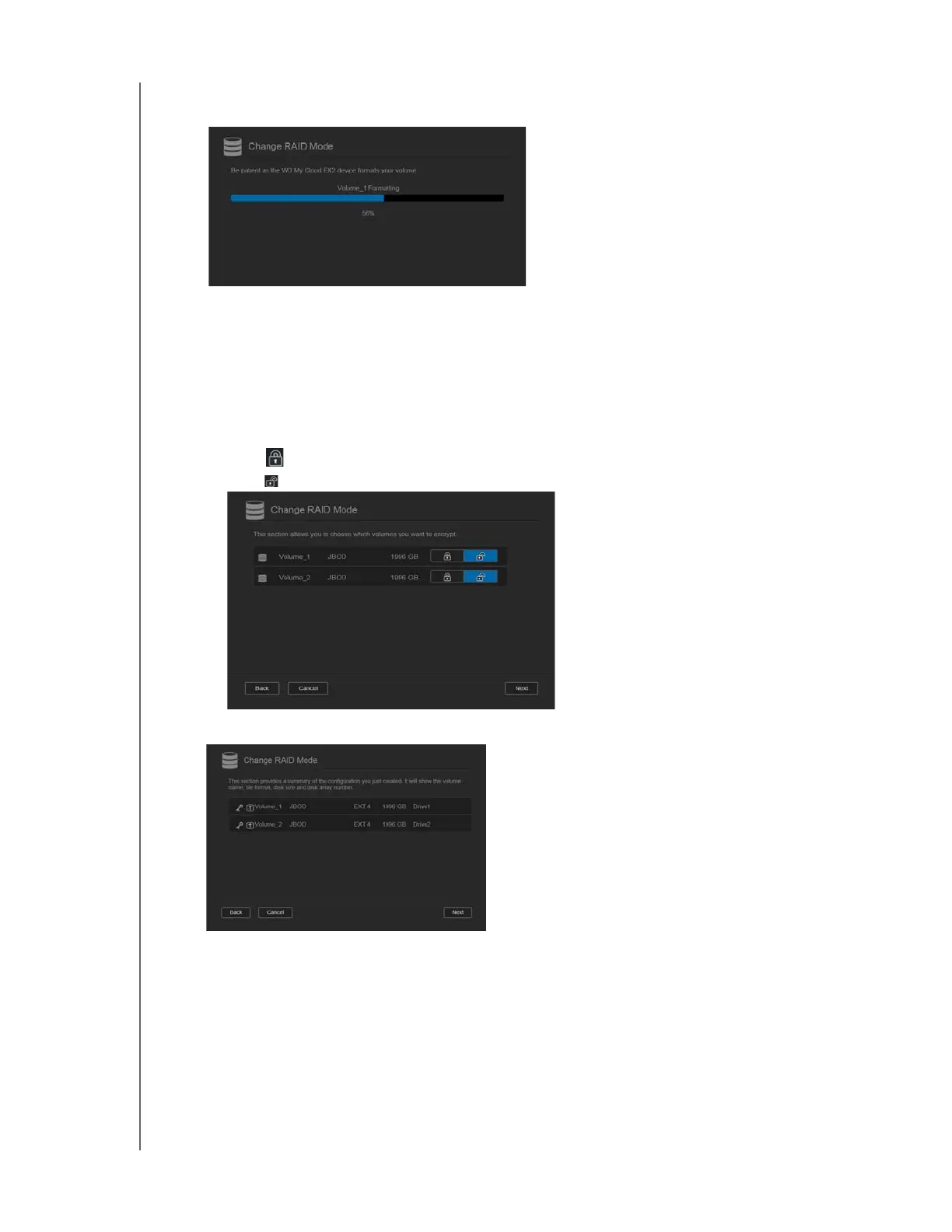
10. Select the type of encryption you’d like on the volume.
Note: Encryption is not available for certain regions.
Click to encrypt the selected volume.
Click to keep the volume unencrypted.
11. Review the summary of your selections, and then click Next.



 To Next Page