GETTING STARTED
19
WD MY CLOUD PERSONAL CLOUD STORAGE
USER MANUAL
Using the WD My Cloud for Desktop App
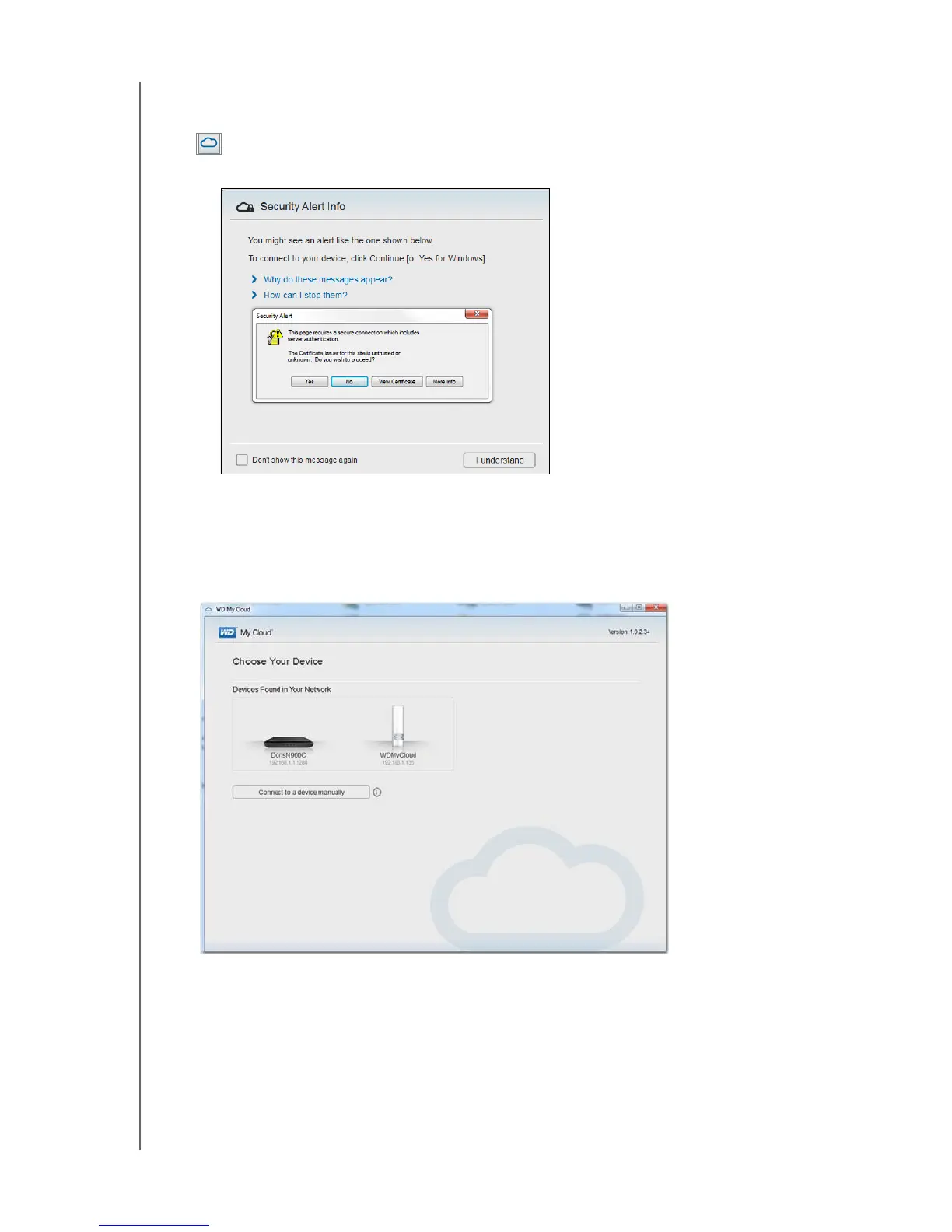
1. After you install the WD My Cloud for desktop app, double-click the My Cloud shortcut
that now appears on the desktop to display all of the WD devices on the network.
Note: The system may display information about security alerts:
Note: To avoid displaying this screen again, select the Do not show this
message again check box. Click
I understand to display devices on
your network.
2. Click the device you want to connect to, in this case the WD My Cloud device:















 To Next Page