11
MANAGING SAFEPOINTS
93
WD MY CLOUD PERSONAL CLOUD STORAGE
USER MANUAL
Managing Safepoints
About Safepoints
Creating a Safepoint
Updating a Safepoint
Recovering a Safepoint
Deleting a Safepoint
About Safepoints
You can create a complete backup or snapshot of your WD My Cloud device, called a
safepoint, and save it to an external location on your home network or an attached USB
drive attached to the USB expansion port. Safepoints can be created or run on a schedule
you define. They include a record of users, data, and shares on your device; any backups
created using WD SmartWare, Apple Time Machine, Windows 7 Backup, or Windows 8 File
History, and any associated device configuration details. Creating a safepoint ensures that
you can easily recover your data from a specific point in time to a new WD My Cloud device
in the unlikely event that your WD My Cloud device fails.
Creating a Safepoint
To create a safepoint for your WD My Cloud device:
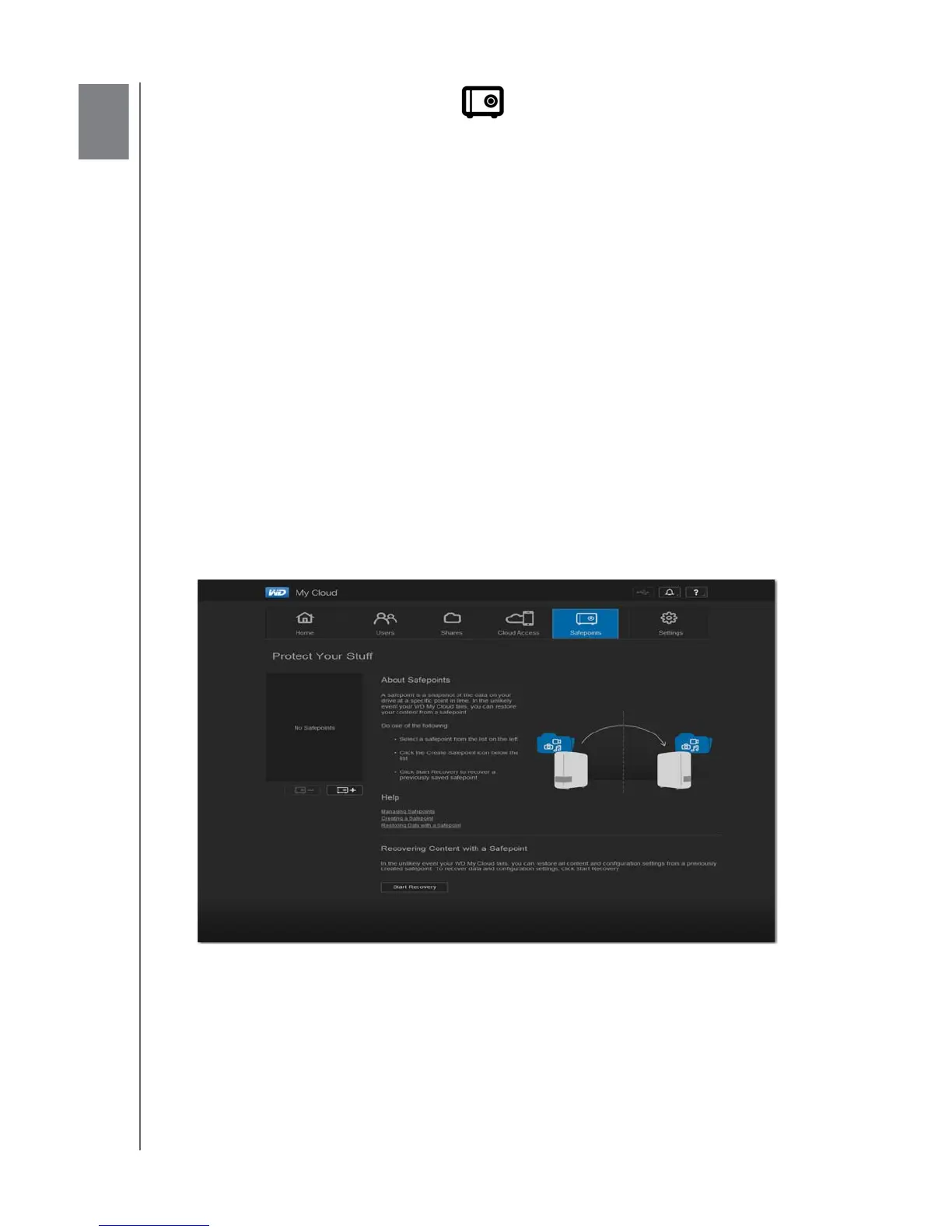
1. On the navigation bar, click Safepoints to display the Protect Your Stuff page:
Note: The first time you open this page, in addition to a list of existing
safepoints, you’ll see information and links to Help pages about
safepoints.















 To Next Page