MANAGING SAFEPOINTS
94
WD MY CLOUD PERSONAL CLOUD STORAGE
USER MANUAL
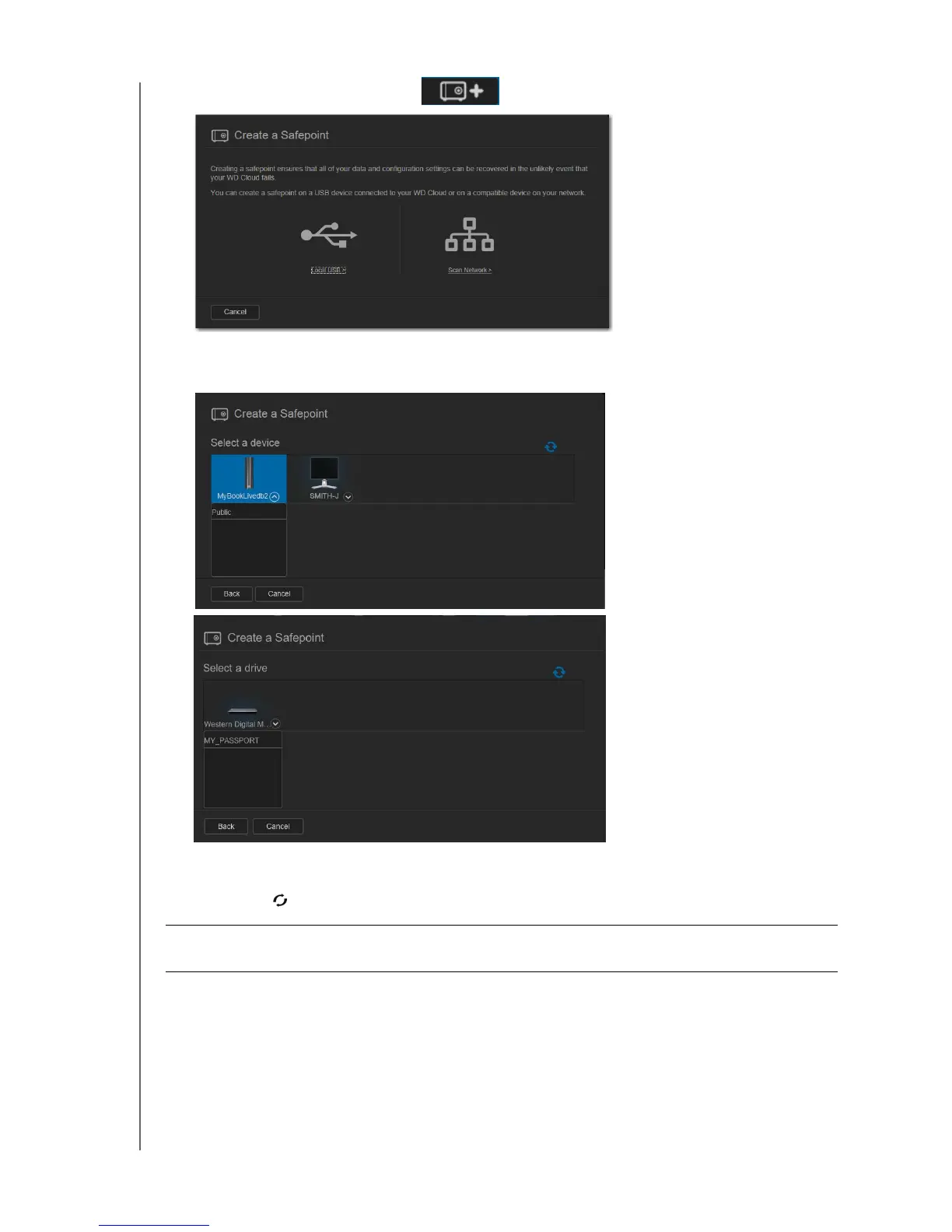
2. Click the Add a Safepoint icon to display the Create a Safepoint screen:
3. Click either Local USB or Scan Network to display a list of available devices on your
local USB drive or network:
Note: To rescan the network at any time, click the blue refresh/rediscover icon
in the upper right.
Important: If you create a safepoint with shares you wish to keep private, create the
safepoint on a private share.
Network
Local Scan















 To Next Page