CONFIGURING SETTINGS
92
WD MY CLOUD PERSONAL CLOUD STORAGE
USER MANUAL
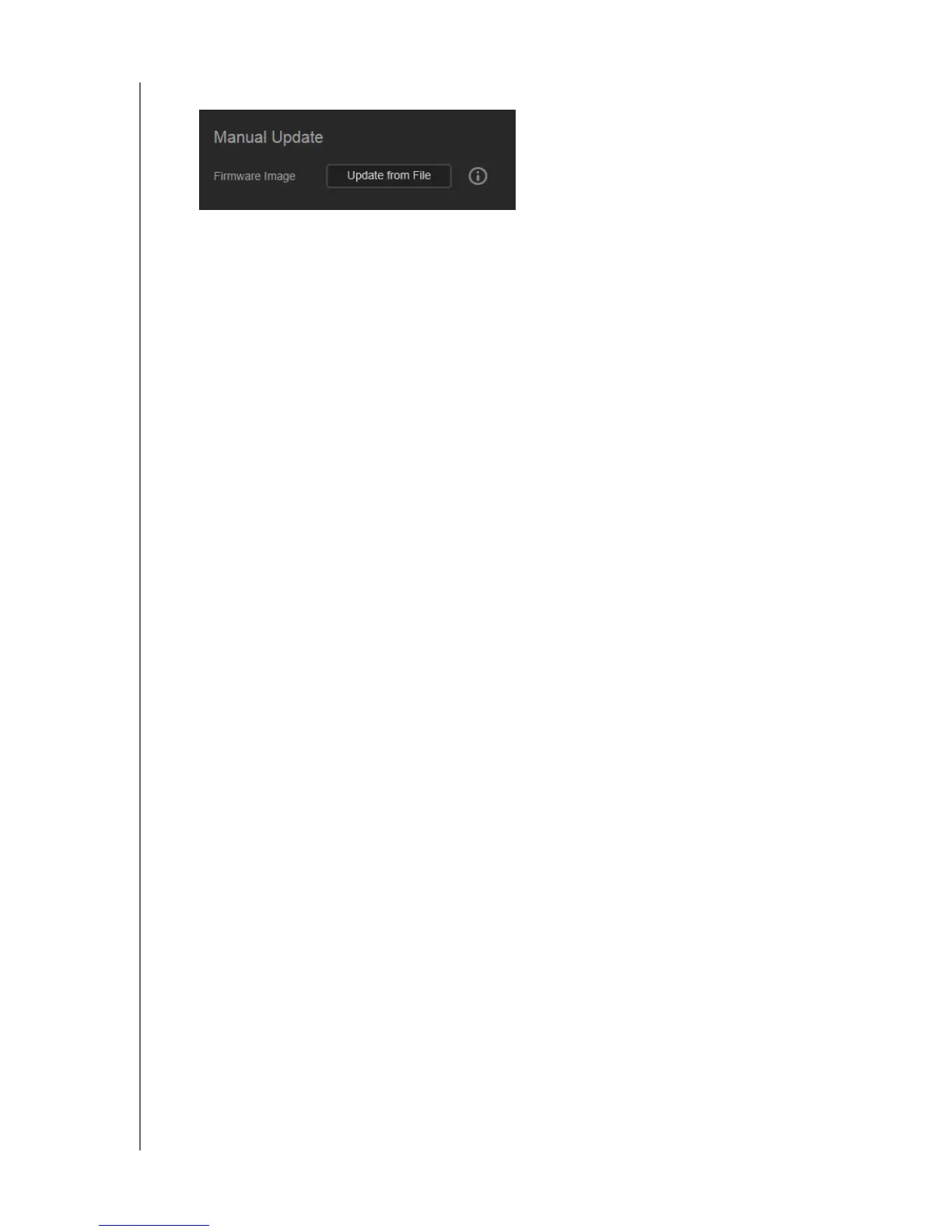
7. In the Manual Update section of the Firmware page, click Update from File.
8. Select the .deb file and click Open.
A message prompts for confirmation that you want to update now.
9. Click Install and Reboot. A progress bar displays. When the process is complete, the
WD My Cloud device reboots.















 To Next Page