GETTING STARTED
22
WD MY CLOUD PERSONAL CLOUD STORAGE
USER MANUAL
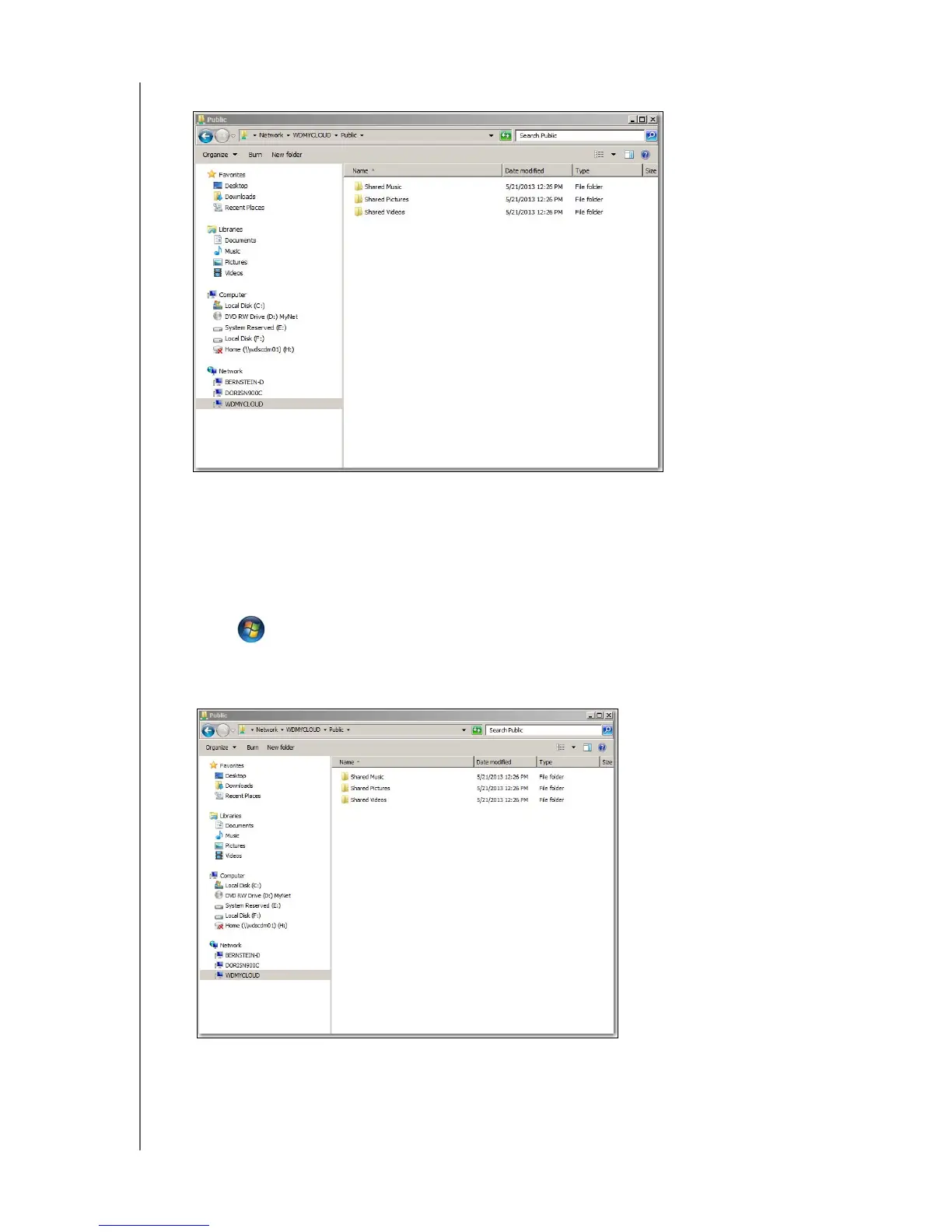
4. Double-click WDMyCloud under Network, and then locate the device’s Public folder.
5. Double-click the Public folder to display the Shared Music, Shared Pictures, and Shared
Videos subfolders. You can now drag and drop files into and from the shared media
folders using Windows Explorer.
Using Windows XP/Vista/Windows 7
1. Physically connect the device to your network.
2. Click or Start > Computer > Network > WDMyCloud, and locate the device’s
Public folder.
3. Double-click the Public folder to access the Shared Photos, Shared Videos, and Shared Music
subfolders.















 To Next Page