MANAGING YOUR DEVICE WITH WD QUICK VIEW
33
WD MY CLOUD PERSONAL CLOUD STORAGE
USER MANUAL
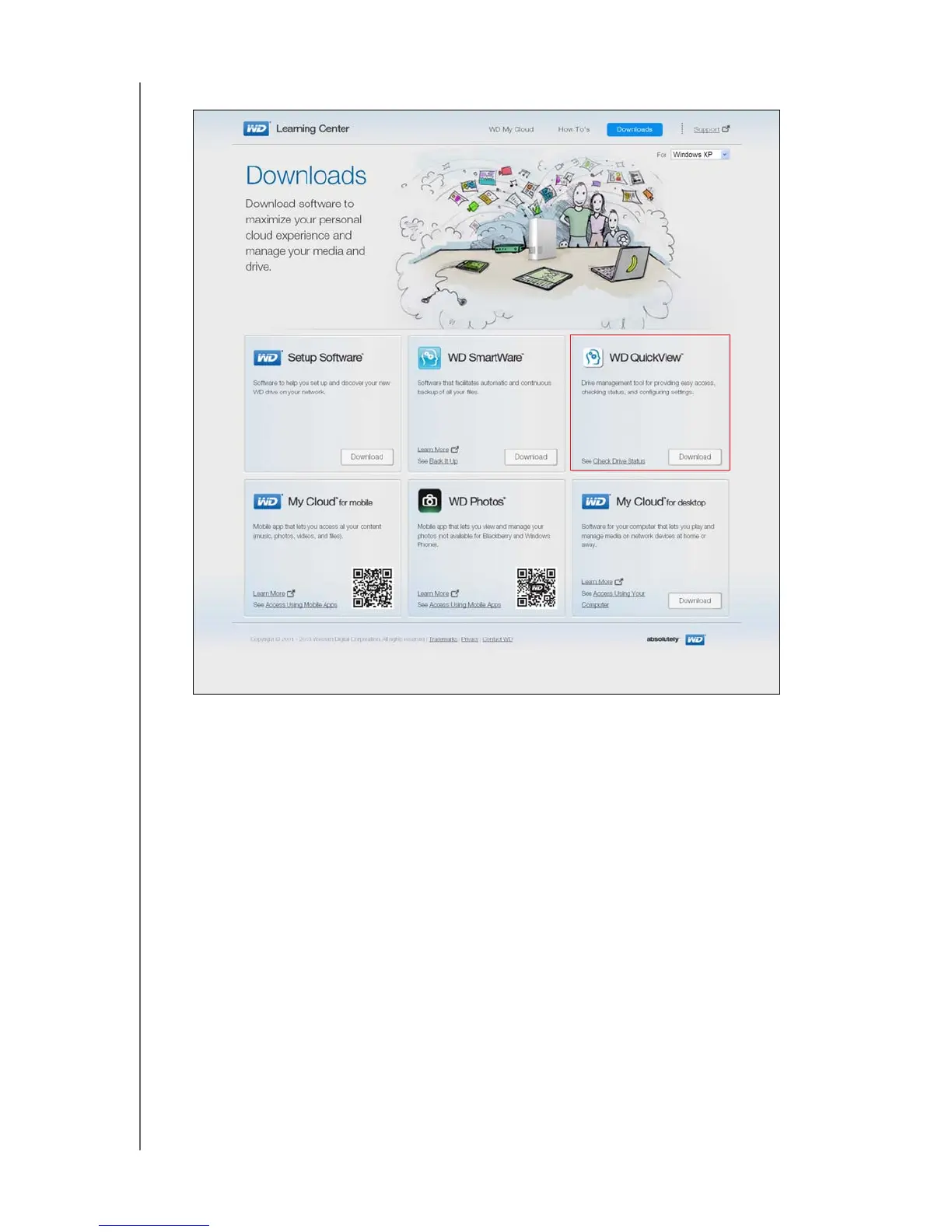
2. Click the Software Downloads button to display the Downloads page:
3. In the WD Quick View box, click
Download.
4. Access your downloaded file, and extract the contents of the zip file to your Mac.
5. Double-click the WD Quick View Setup file.
6. Complete the Quick View installer, following the directions on the page.















 To Next Page