AT A GLANCE: THE DASHBOARD
47
WD MY CLOUD PERSONAL CLOUD STORAGE
USER MANUAL
Users
The Users panel displays the number of users currently set up to use the WD My Cloud
device.
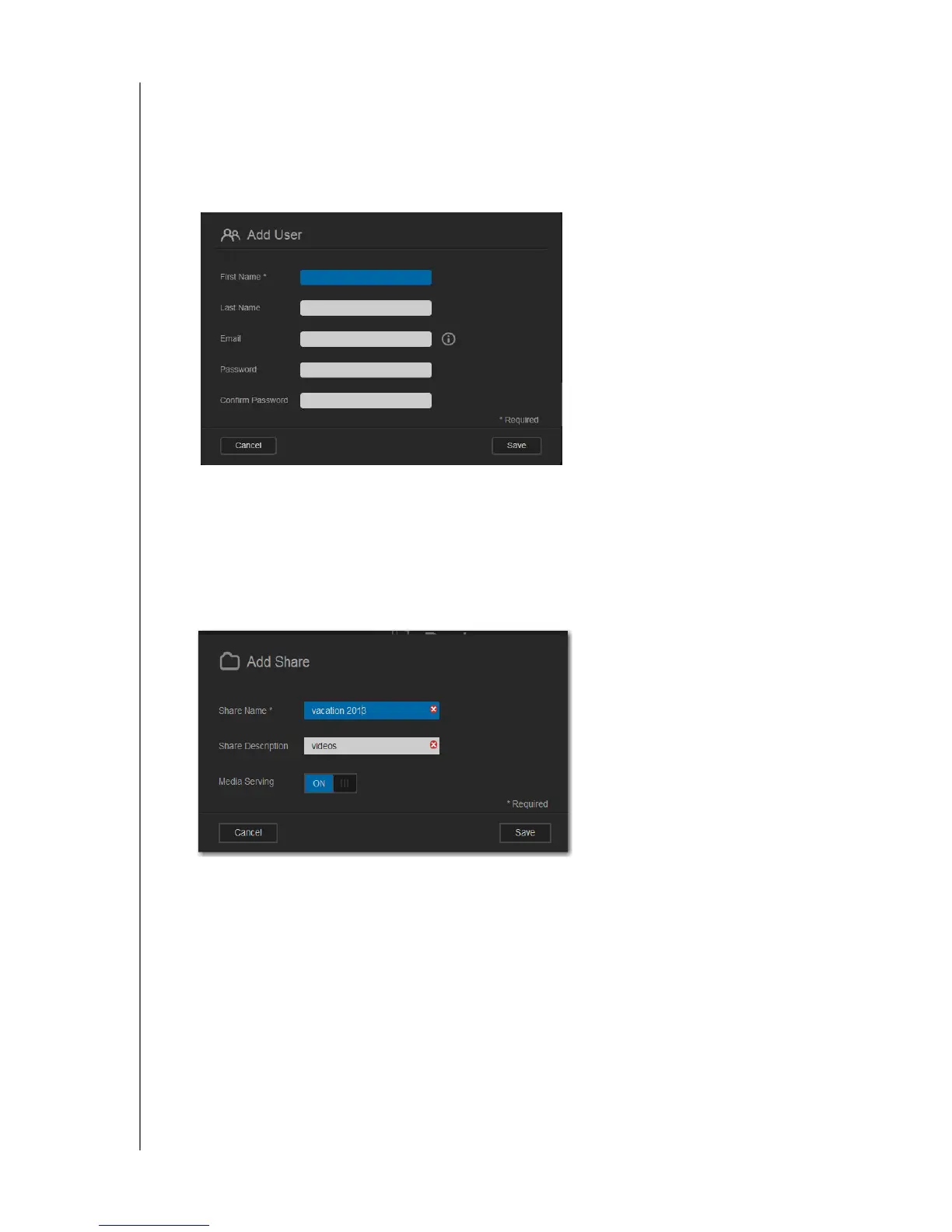
1. To add a user, click the plus (+) sign in the lower right of the panel. The Add User dialog
box displays:
2. Enter the required information and click Save.
Shares
The Shares panel displays the number of public and private shares that have been created
on the WD My Cloud device.
1. To add a share, click the plus (+) sign in the lower right of the panel.
2. Enter the share name and share description (optional).
3. If you want to stream media stored in this share to other devices, switch Media Serving
to ON.
4. Click Save.















 To Next Page