ACCESSING YOUR CLOUD REMOTELY
65
WD MY CLOUD PERSONAL CLOUD STORAGE
USER MANUAL
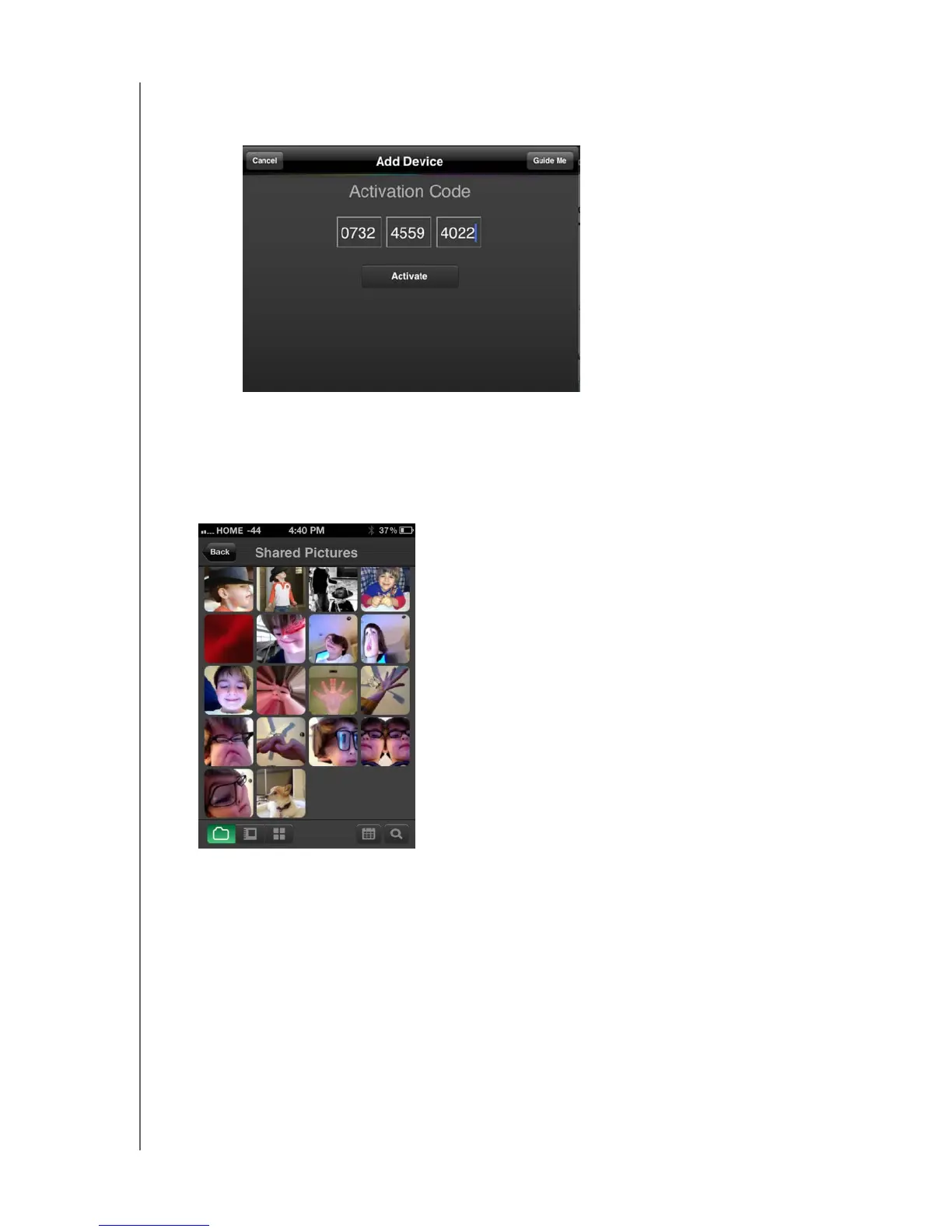
b. Enter the activation code generated on the WD My Cloud’s dashboard and tap
Activate.
Note: You must generate one code for each app you want to activate.
Codes are valid for 48 hours from the time of request and can be used
one time only. See “To generate an activation code for a user’s mobile
device(s):” on page 62.
5. Tap your WD My Cloud device to display your photos.
Note: If you have problems installing WD Photos, please visit
http://support.wd.com/rn/wdphotos.asp. For more features and
instructions, see the app’s online Guide Me page, Help, and tips, and go
to http://wdphotos.wdc.com.
Note: If you suspect that your WD My Cloud database has been corrupted,
rebuild the database as described in “Cloud Access” on page 76.















 To Next Page