CONFIGURING SETTINGS
78
WD MY CLOUD PERSONAL CLOUD STORAGE
USER MANUAL
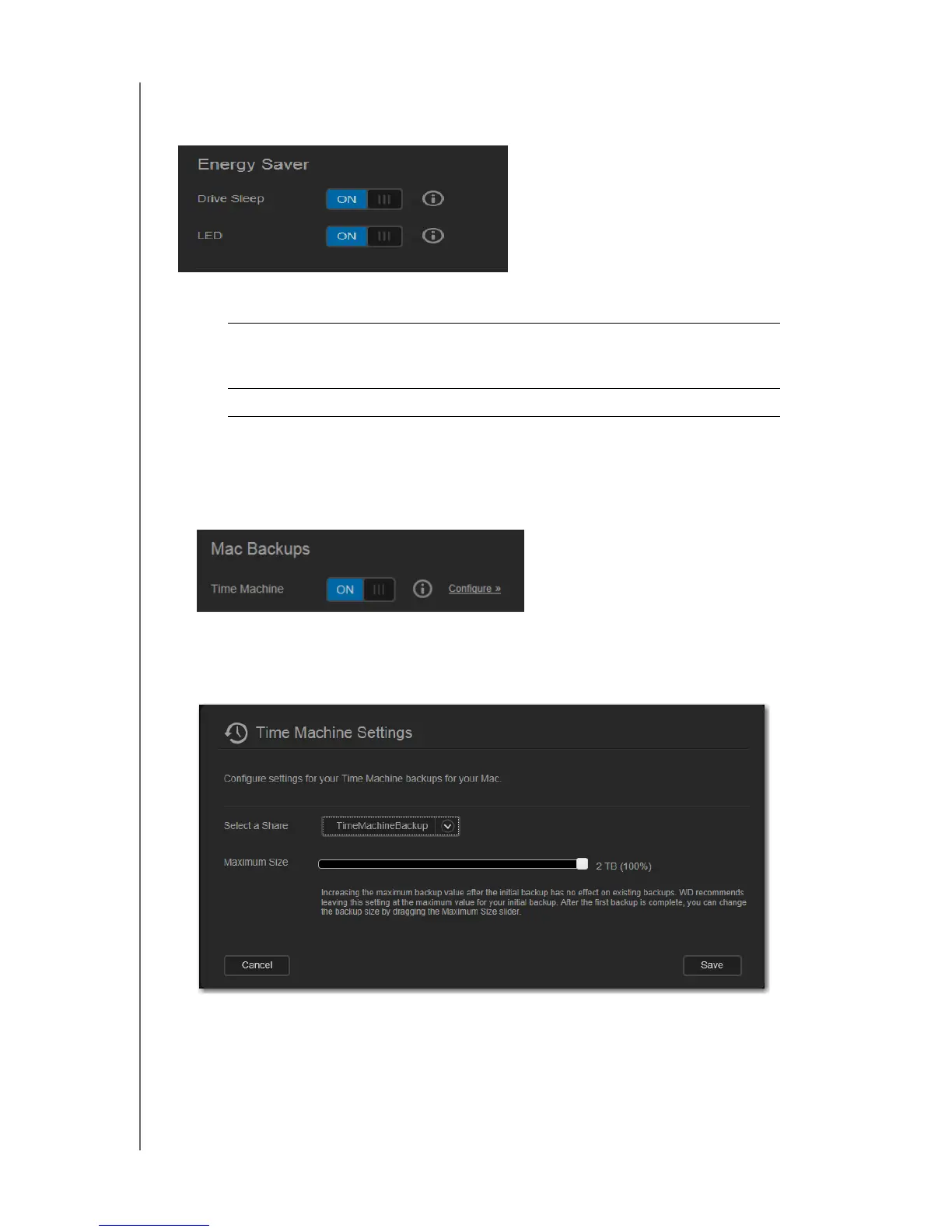
Energy Saver
You can save power use by the WD My Cloud device.
1. View or change the following settings:
Mac Backups
This section of the General page enables or disables Time Machine backups of Mac
computers. You can also configure Time Machine Settings.
To configure backup settings:
1. With the Time Machine switch ON, click the Configure link to display the Time
Machine Settings dialog box:
2. From the Select a Share drop-down list, select to back up all of the data on the Mac, or
select a specific share to back up.
Drive Sleep If this function is enabled, the hard drive goes into standby
mode to save power after a designated period of inactivity.
Drive Sleep is enabled by default.
LED Turns the device’s LED on or off.















 To Next Page