CONFIGURING SETTINGS
81
WD MY CLOUD PERSONAL CLOUD STORAGE
USER MANUAL
Changing Network Mode from DHCP to Static:
Note: If you switch from Static Mode to DHCP, you may need to re-discover the
device on your network.
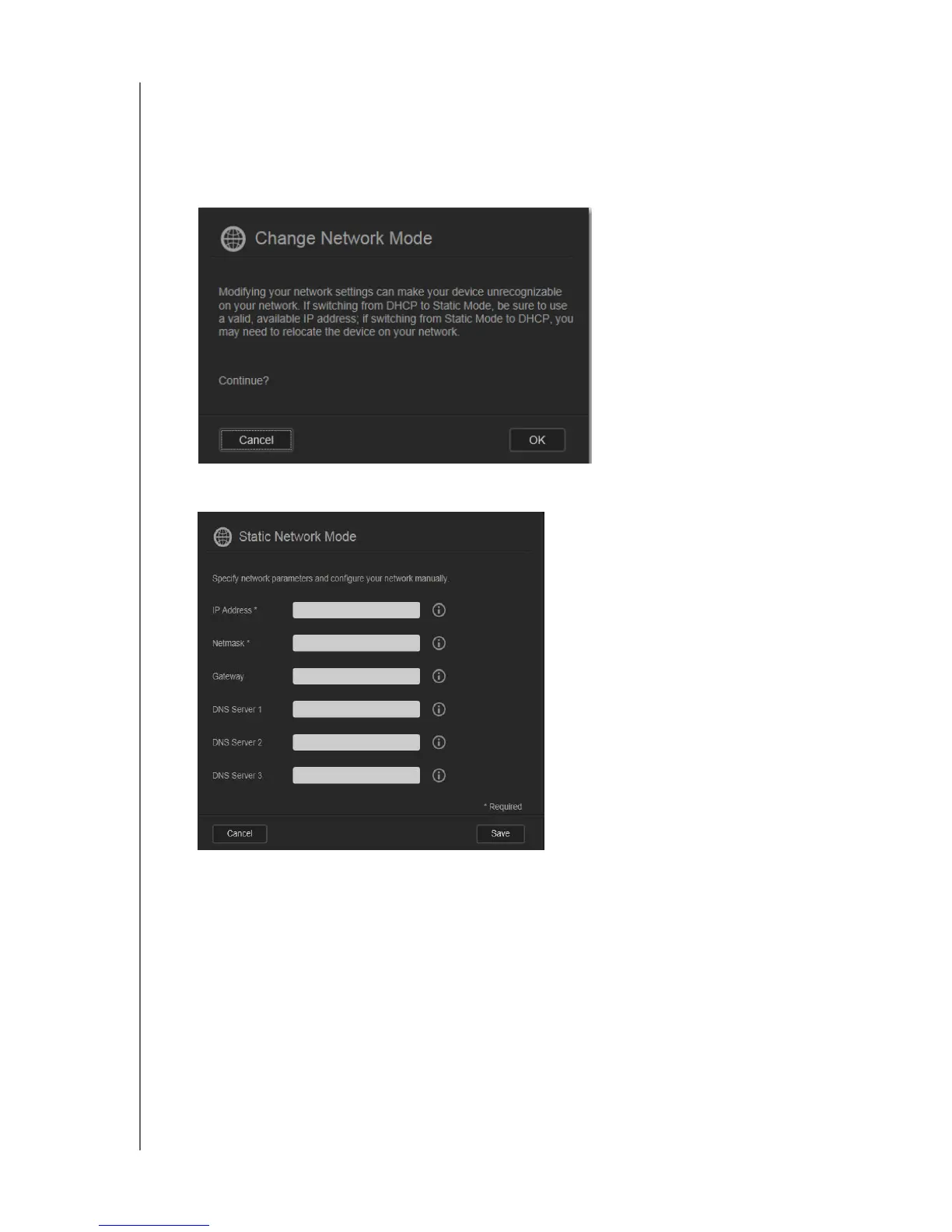
1. For the Network Mode option, click Static. The Change Network Mode dialog box
displays:
2. Click OK to display the Static Network Mode dialog box and continue with the change:
3. In the Static Network Mode dialog box, enter at least an IP Address and a Netmask. (If
you don’t know this information, check your router’s settings.)
Note: If you do not enter Gateway and DNS Server(s), you will lose connection to
the LAN.
4. Click Save.
Note: For more information on this topic, see Knowledge Base Answer ID 5872.















 To Next Page