CONFIGURING SETTINGS
86
WD MY CLOUD PERSONAL CLOUD STORAGE
USER MANUAL
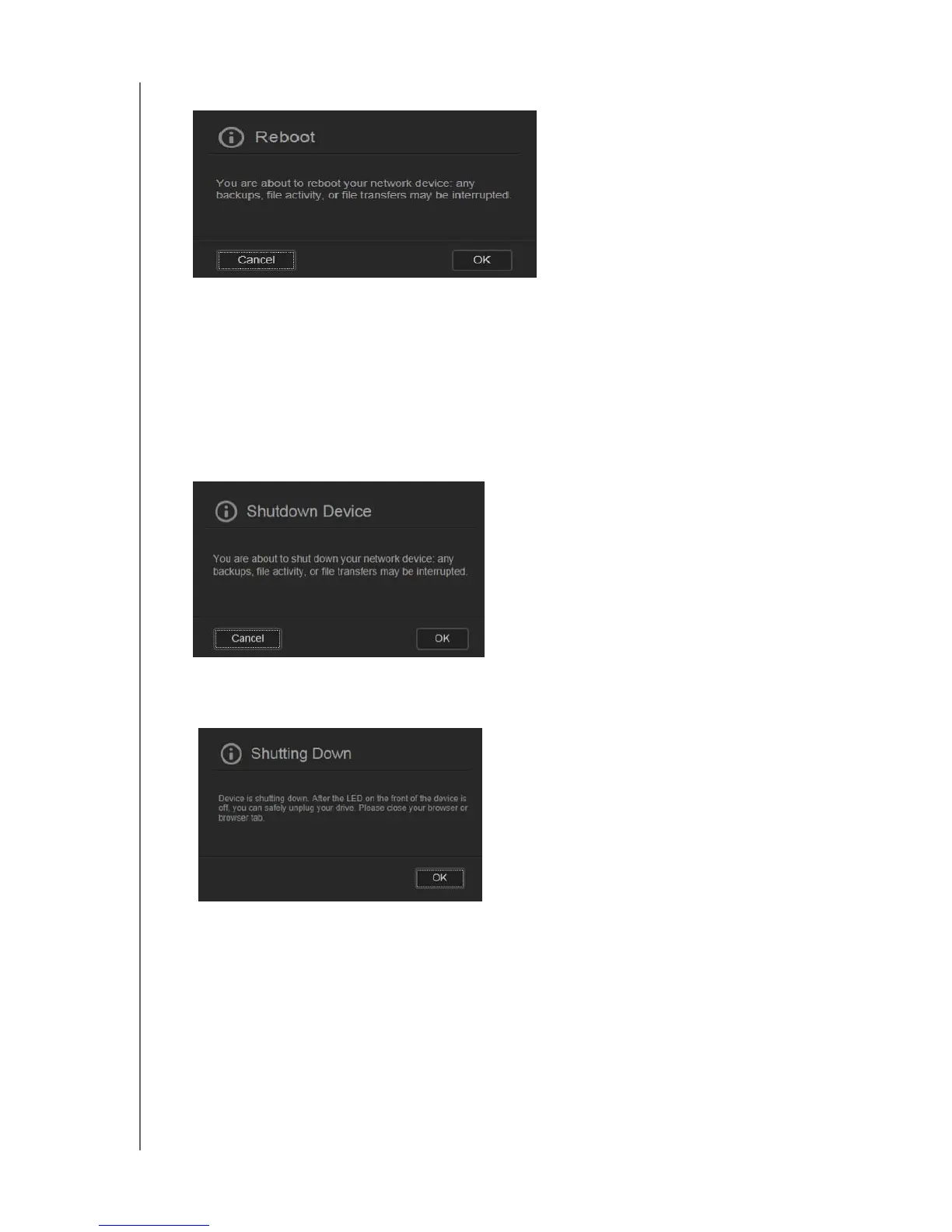
The following message displays:
2. If the device is not processing information, or it is but you choose to proceed, click the
Continue button.
The device shuts down and then restarts. Wait until the LED is solid blue before
resuming work with the WD My Cloud device.
To shut down the device:
1. Click Shutdown Device.
2. A message reminds you that shutting down may interrupt important processes:
3. If the device is not processing information, or it is but you choose to proceed, click OK.
The following message displays:
4. Click OK to close the message.
5. When the LED on the front of the device is off, you can safely unplug your device.
6. Close the browser.















 To Next Page