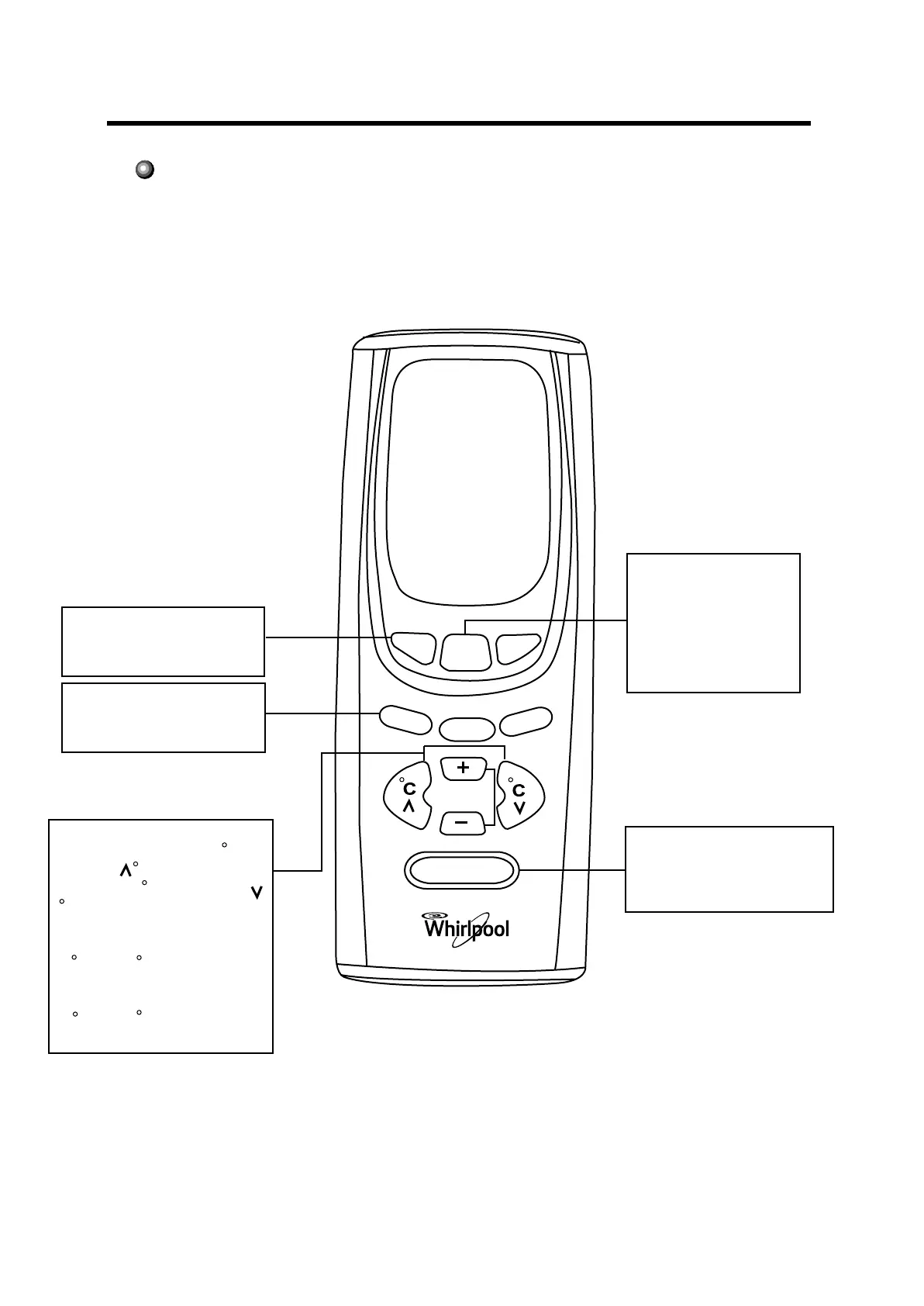
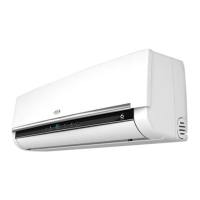
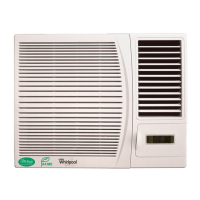
Name and Function-Remote control
FAN SPEED button
Press this button to
change the fan speed
of:
. LOW speed
. HIGH speed
ON/OFF
FAN
SPEED
FAN
COOL
ON/OFF button
Press this button to turn
on or turn off the unit.
COOL button
Press this button, the
operation mode is cooling
DRY button
When it is pressed, the
operation mode is drying
TEMP. button
SET TEMP.increases 1 C by
pressing C button once,and
decreases 1 C by pressing
C button once.
At cool mode operation,SET
TEMP.can be selected from
16 C to 30 C.
At DRY mode operation,SET
TEMP. can be selected from
16 C to 30 C .
DRY
TIMER
SWING



 To Next Page