10
6TH SENSE mode
Used to enter fuzzy logic operation directly.
Timer operation
Preparation Before Operation
• Open the cover and insert two new batteries.
• Press the clock button: the time in hours and minutes will flash on the display, press to adjust the hours
and press to adjust the minutes. Press the button again, and the time will be set.
• Close the cover.
TIMER ON/OFF
(When user presses on/off on the remote controller, all the setting reports of time on/off will be
cancelled.)
A. TIMER ON
Press this button to switch the remote controller and air conditioner to timer-on mode. "Timer on" is
shown on the LCD display. Time can be set from 1H to 24H, with one hour increments each time the
button is pressed.
The timer can be set on a daily basis only.
B. TIMER OFF
When the remote controller is on, press this button to switch the remote controller and air
conditioner to timer-on mode. "Timer-off" is shown on the LCD display. Time can be set from 1H to
24H, with one hour increments each time the button is pressed.
C. COMBINATION OF TIMER ON AND OFF
• When the unit and the remote controller are on, press the timer-off button to switch the remote
controller and air conditioner to timer-off mode. Timer-off is shown on the LCD display. Time can
be set from 1H to 24H, with one hour increments each time the button is pressed.
Next, press the timer-on button to switch the remote controller and air conditioner to timer-on
mode. Timer-on is shown on the LCD display. Time can be set from 1H to 24H, with one hour
increments each time the button is pressed. (timer off - timer on)
• When the unit and the remote controller are off, press the timer-on button to switch the remote
controller and air conditioner to timer-on mode. Timer-on is shown on the LCD display. Time can
be set from 1H to 24H, with one hour increments each time the button is pressed.
Next, press the timer-off button to switch the remote controller and air conditioner to timer-off
mode. Timer-off is shown on the LCD display. Time can be set from 1H to 24H, with one hour
increments each time the button is pressed (timer on - timer off).
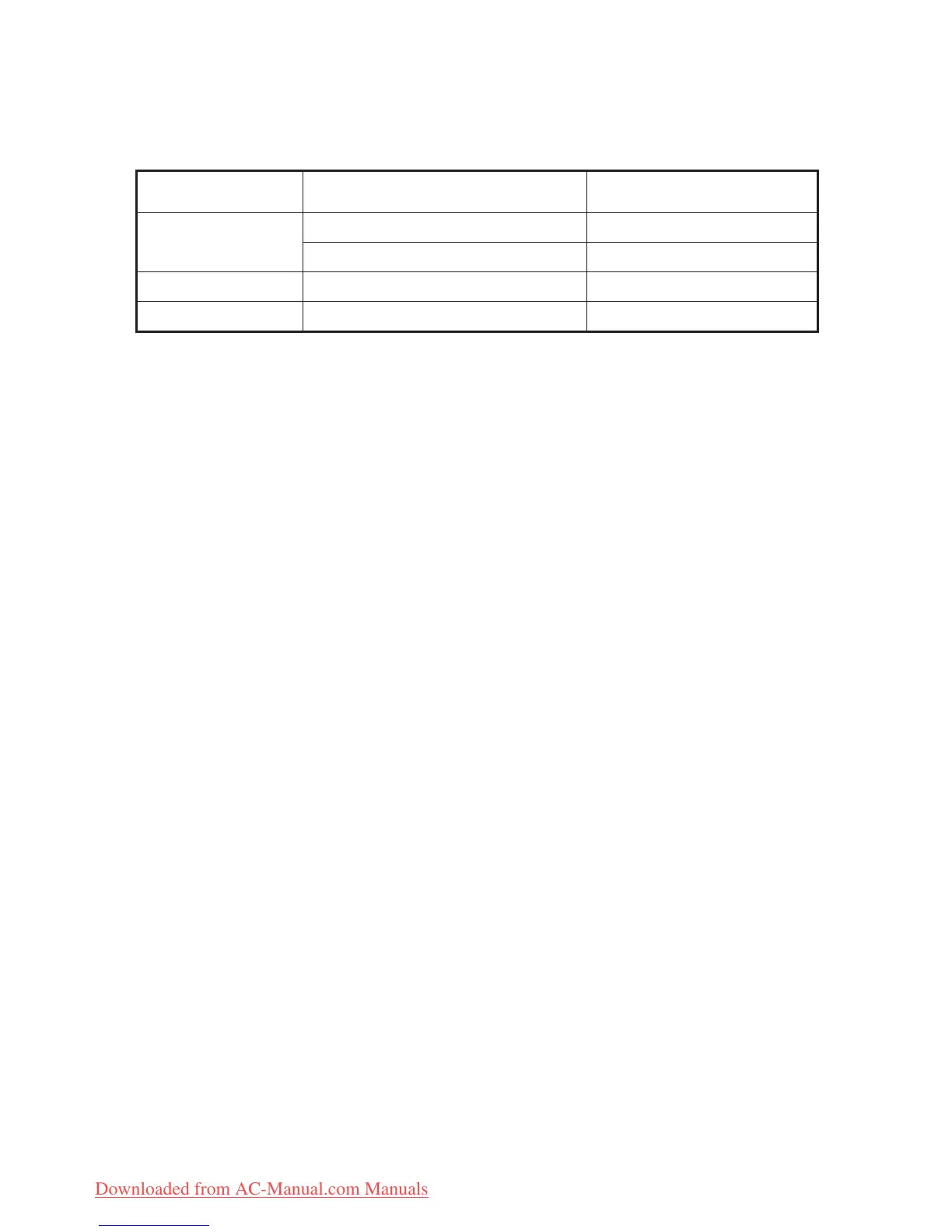
Mode Initial room temperature .A Initial room temperature .B
Cooling
RT ≥ 26°C
24°C
26°C >RT ≥ 25°C
RT-2
Dry
25°C >RT ≥ 23°C
RT-2
Heating RT < 23°C 26°C



 To Next Page