DEHUMIDIFY
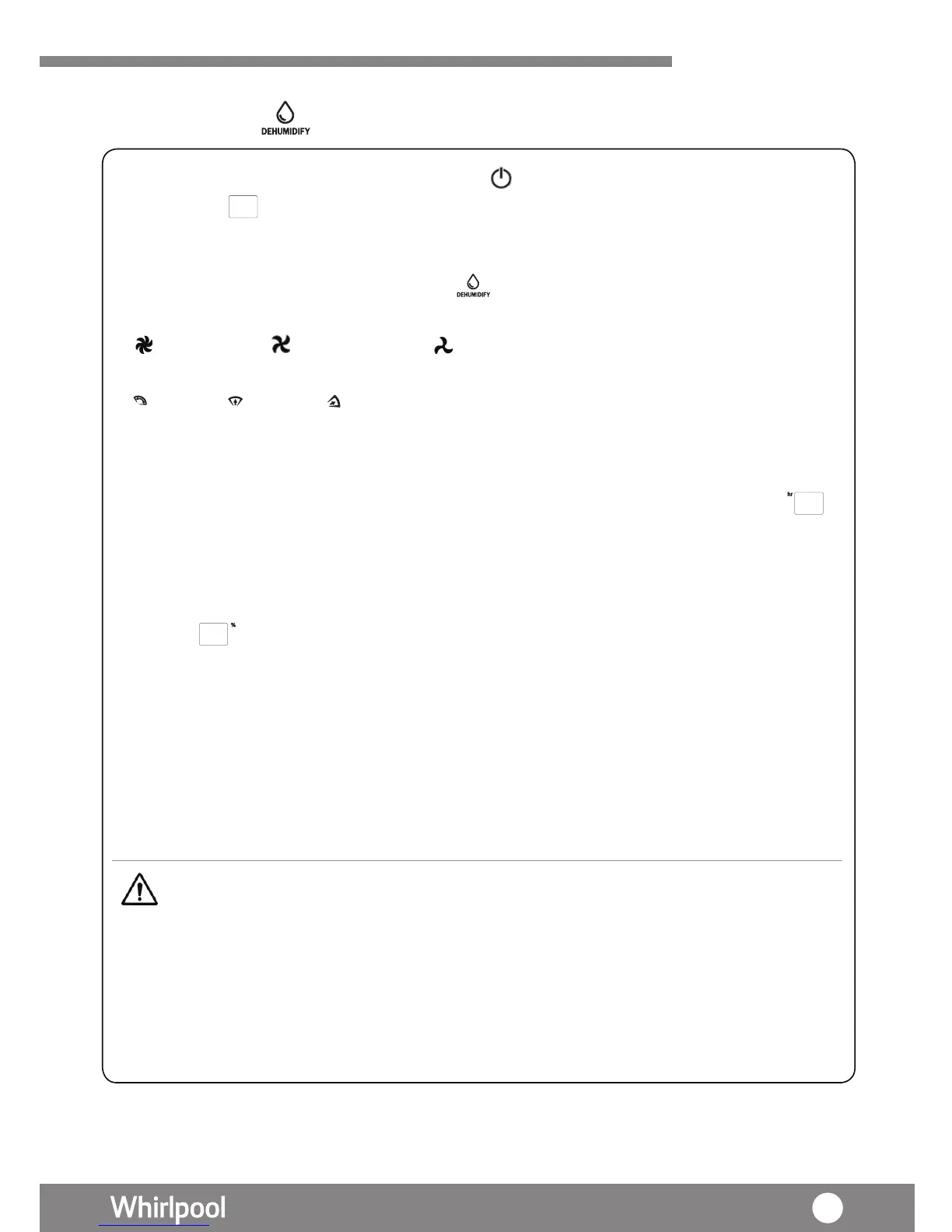
1. Press “POWER” key to turn on the dehumidpurifier,
lights up.
2. LED displays the ambient humidity
3. In the first time, the mode will base on current humidity to change the fan speed automatically. And set
the swing angel as the largest one.
lights up.
4. If it is not the first time, press “MODE” key until
5. Press “FAN SPEED” key to select fan speed
High fan speed Medium fan speed Low fan speed
6. Press “SWING” key to select vertical louver swing angle
Air Flow Front-up Front-down
Remarks 1 : When choosing different angle of the louver, louver will be swing to the largest angle for 10 seconds first,
and then move to the selected option.
Remarks 2: Press the Air flow icon again, louver will stop as is.
7. Timer setting
Press “TIMER” to set the dehumidifying duration. The“hr”on the top left corner of display will ash ,
Press the “TIMER” or “HUMIDITY” key to select the duration with sequence 1 -> 2 -> 3-> ……>11->
12-->CO(CONTINUOUS). The machine will stop when time is up.
8. Humidity setting
Press “HUMIDITY” to set the desire ambient humidity(RH%). The “%” on the top right corner of display
will flash , the desire RH% by pressing the “HUMIDITY” or “TIMER” key to select the humidity.
“TIMER” increases the RH% with sequence 40% -> 50% -> 60% -> 70% -> 80% -> CO (continuous)
and “HUMIDITY” in decreasing sequence 80% -> 70% -> 60% -> 50% -> 40% -> CO (continuous),
5 seconds later, display will show the current ambient humidity. When the ambient humidity is lower
than selected humidity. The display will show the current ambient humidity. At that moment, the
compressor will stop operation. But the fan will keep operate. The machine will stop automatically
when the ambient humidity is lower than 30%.
9. Press “POWER” to stop the machine, Machine will continuous to operate for 3 minutes Then, it will
stop operation. (For details of 'INTERNAL DRY", please refer to P.48)
• when the water tank is full (P.43)
• when the temperature or humidity is out of operation range (P.38)
• Press "CO"(continuous), the unit will stop automatically after 48 hours operation. If water tank was
taken out during operation , the counting time will start over again.
• When the unit is off, the user can pre-set the operation time. For example, press 01, that's mean
it will turn on automatically after 1 hour.
CAUTION
Remark: Machine will stop under following situation:
Using your
Product




 To Next Page