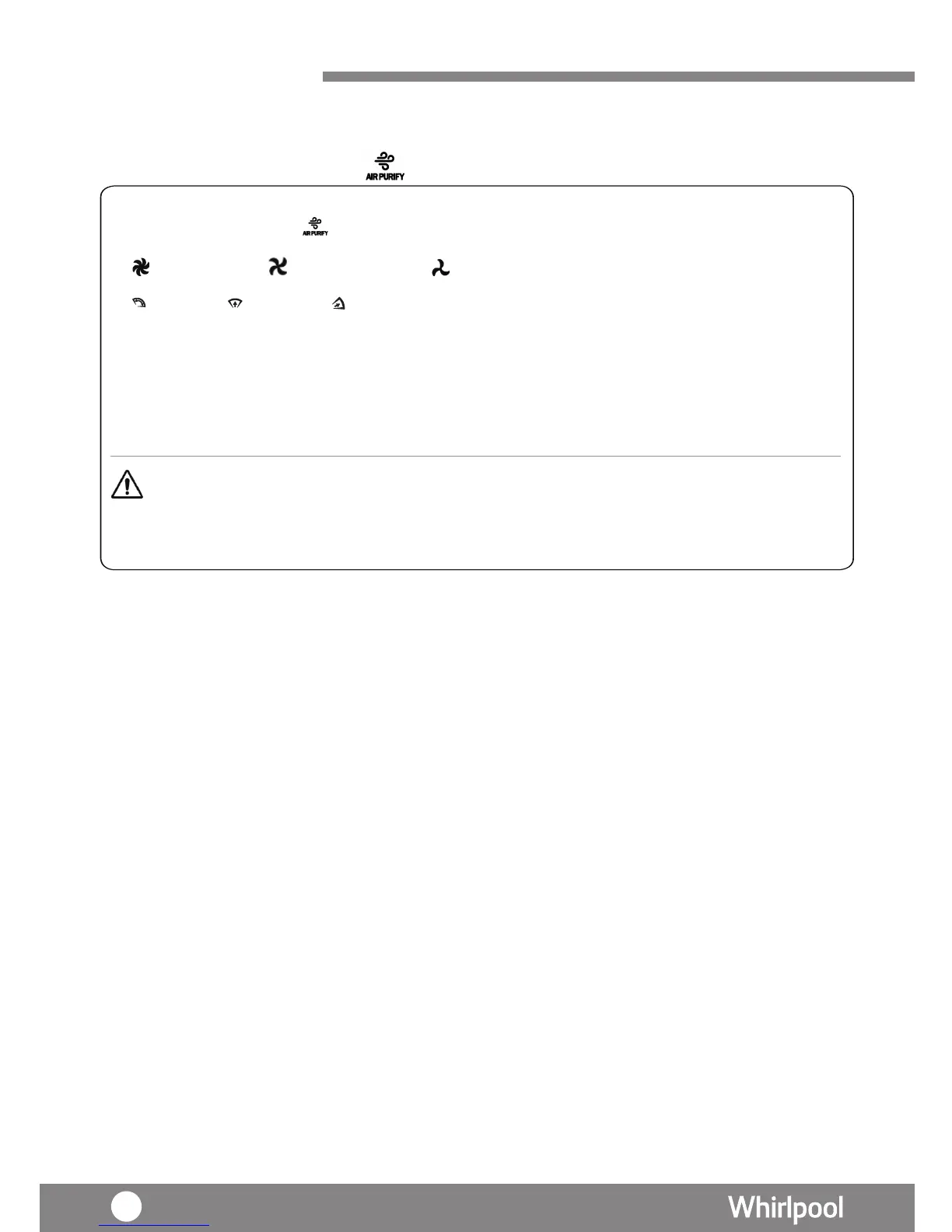
AIR PURIFYING (Manual)
3. Press “SWING” key to select vertical louver swing angle.
Air Flow Front-upont-up Front-down
Remarks 1 : When choosing different angle of the louver, louver will be swing to the largest angle for 10 seconds first,
and then move to the selected option.
Remarks 2 : Press the Air flow icon again, louver will stop as is.
4. The 3-color Air Quality LED lights up according to below condition
• Green – Air Quality is in good condition
• Orange – Air Quality is in normal condition
• Red – Air Quality is in bad condition
Remark:
• Under Air Purify (Manual) mode , HUMIDITY cannot be adjusted.
• Press "CO" (continuous),the mode will stop automatically after 48 hours operation. If water
tank was taken out during operation , the counting time will start over again.
Using your
Product
The Fan speed can be adjusted under Air Purifying (Manual) mode.
1. Press l“MODE” key unti
lights up.
2. Press “FAN SPEED” key to select fan speed.
High fan speed Medium fan speed Low fan speed




 To Next Page