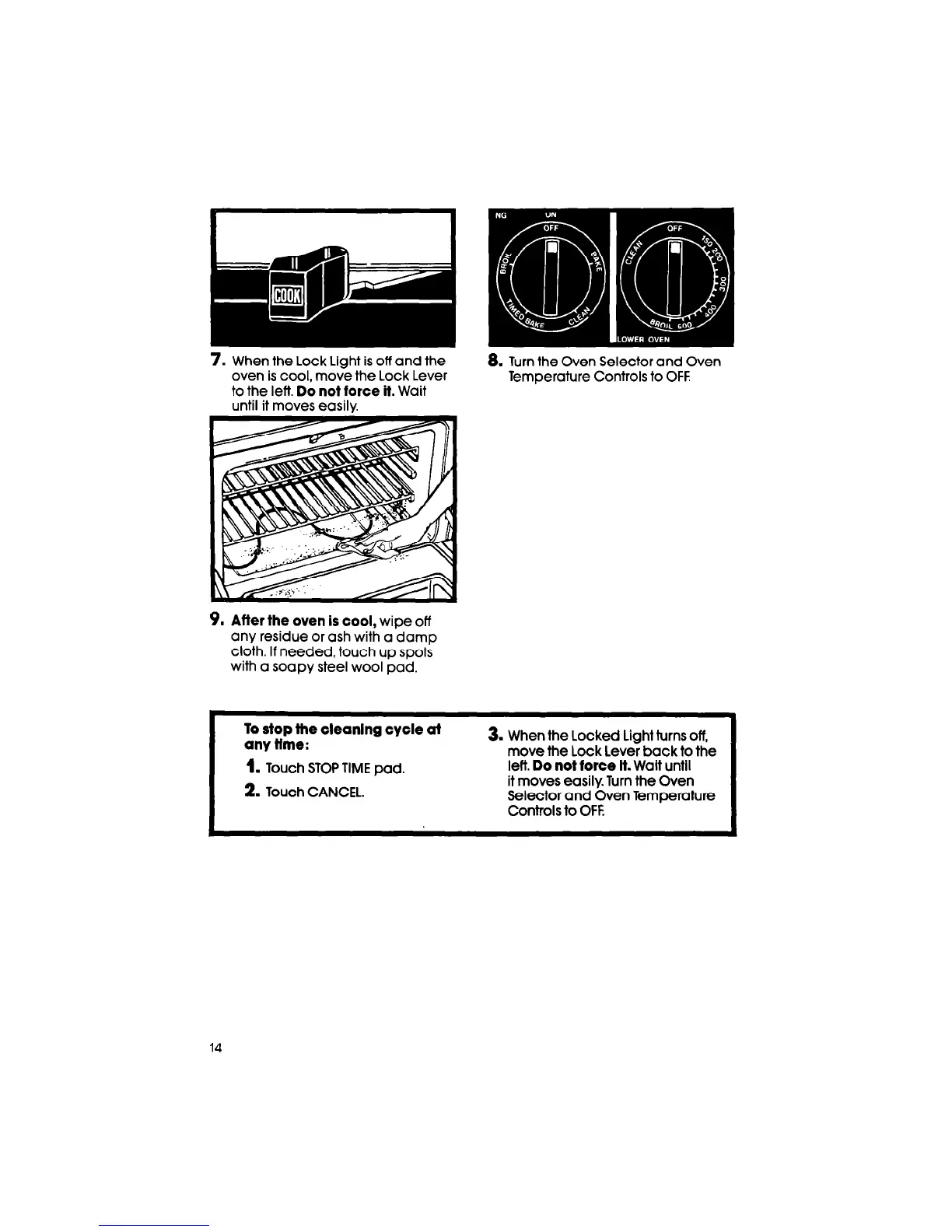
7. When the Lock Light is off and the
oven is cool, move the Lock Lever
to the left. Do
not force it.
Wait
until it moves easily.
8.
Turn the Oven Selector and Oven
Temperature Controls to OFF
9.
After the oven is cool,
wipe off
any residue or ash with a damp
cloth. If needed, touch up spots
with a soapy steel wool pad.
To stop the cleaning cycle ai
any time:
1.
Touch STOP TIME pad.
2.
Touch CANCEL.
3. When the Locked Light turns off,
move the Lock Lever back to the
left.
Do not force
it. Wait until
it moves easily. Turn the Oven
Selector and Oven Temperature
Controls to OFF
14



 To Next Page