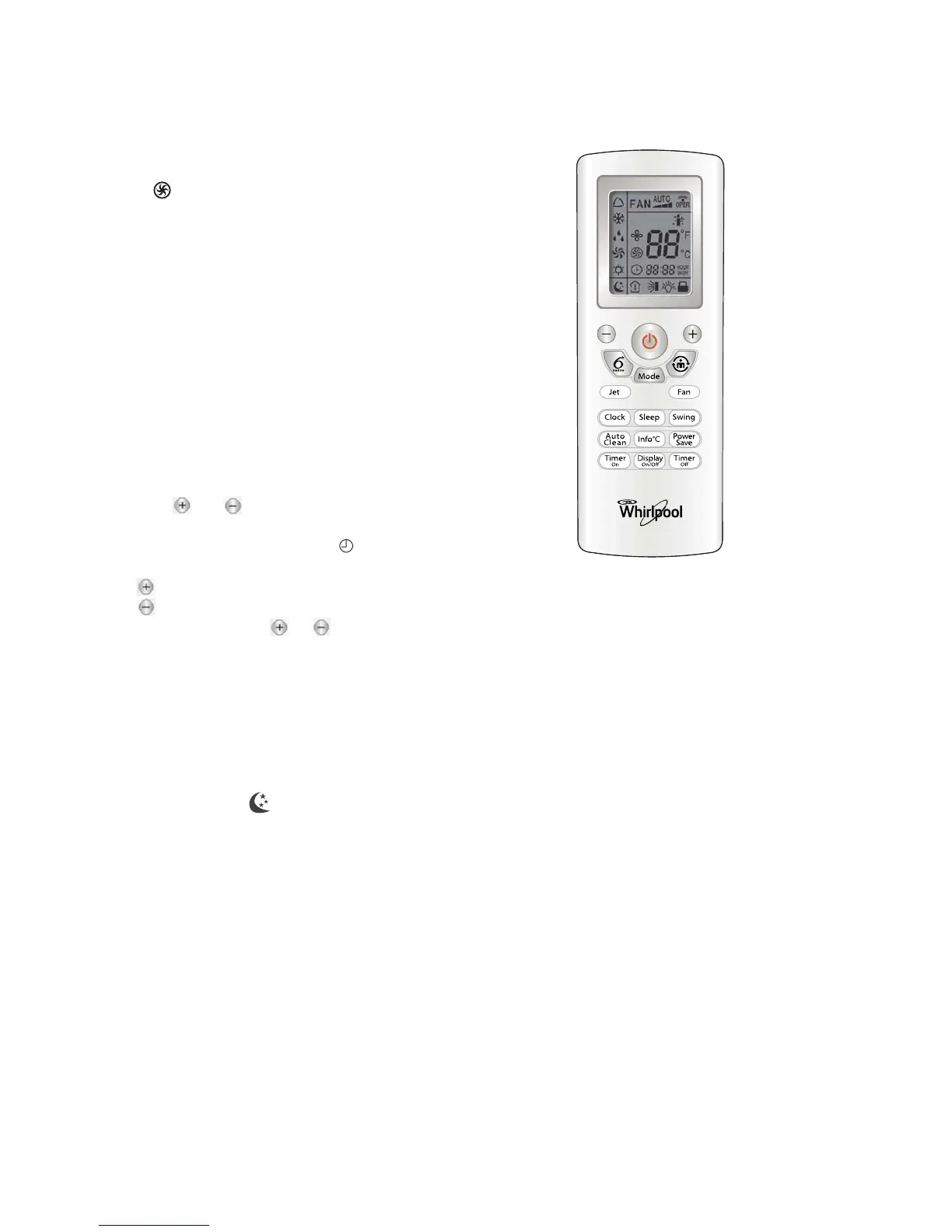
JET mode
•JET mode is used to start or stop fast cooling.
will display on remote control under this
mode. The appliance will blow at super high fan
speed to cool or heat your room quickly and
effectively.
•In JET mode, you can set temperature and
airflow direction
Note:
• Jet function is not available in 6th Sense, Fan
only, and Dehumidifying mode.
• When switching the mode or changing fan
speed, this function will be canceled
automatically.
CLOCK function
You can set clock by pressing CLOCK button, then
using and buttons to set the correct time,
press CLOCK button again, the clock is set.
Pressing CLOCK button, signal blink. Within 5
seconds, the value can be adjusted
Press once to raise time setting by 1 minute
Press once to lower time setting by 1 minute
if continuously press or buttons, the
number will change rapidly.
12:00 is the defaulted time to display after insert
batteries
SLEEP mode
This function gives you a more comfortable
environment for sleep.
In SLEEP mode, will display on remote
control,
Note:
• Fan speed and airflow direction can be adjusted.
• Under FAN only and 6th SENSE mode, this
function is not available.
11
• Under COOLING operation, the appliance will
automatically adjust the set temperature raise 1°C
for the first hour and another 1°C for the second
hour, then remain constant.





 To Next Page