24
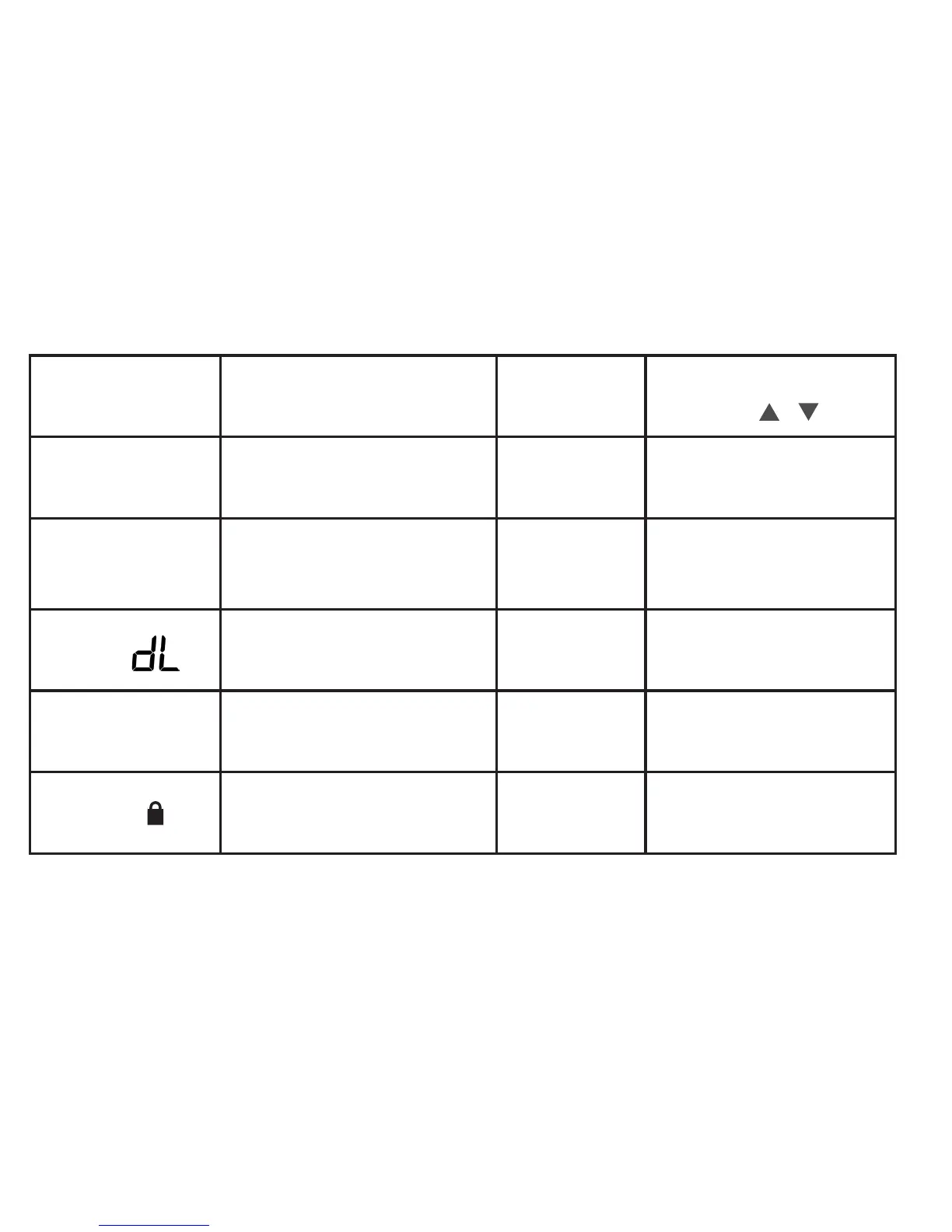
User Menu #
(PressMenubutton
and release)
Description
Default Setting
(ashingicons)
Settings
(Press or )
01
Fahrenheit or Celsius °F
°F – Fahrenheit
°C – Celsius
02
Temperature Display Adjustment:
adjust the Room Temperature)
0 -5 to +5
03
Continuous Display Light: keep
thebacklightalwayson–“C”wire
required
OFF
On – always on
OFF – momentarily
04
Auto Changeover: Thermostat
automatically switches between heat
and cool
OFF
On-enableauto
OFF-disableauto
05
Keypad Lock:preventunwanted
changes to the thermostat
OFF
On – disable buttons
OFF–allbuttonsareactive












 To Next Page