PAIRING YOUR DEVICE
Pairing your device to your COM-DEX
To pair your device to your COM-DEX for the first time, follow these steps:
1. Make sure that your COM-DEX is in pairing mode. Consult the COM-DEX
user guide.
2. Turn on your device. The first time you do this, the device will be set in
pairing mode and it will automatically connect to your COM-DEX.
NOTE
Once you have paired your device to your COM-DEX, it will remain so and
will connect automatically if your COM-DEX is on.
Pairing your device with another COM-DEX:
1. Turn on your device.
2. Reset your device to factory settings by pushing both buttons for 5
seconds. The device will be set to pairing mode.
3. Follow the pairing procedure described above.
NOTE
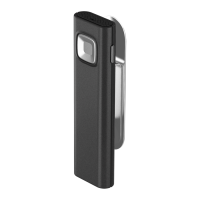
Your Remote Mic is only intended to be used with a COM-DEX and it will
not work with any other device.
92


 To Next Page