SETTING UP PRO LINK
CHARGING PRO LINK
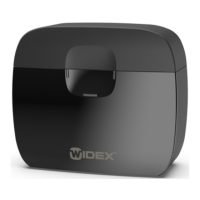
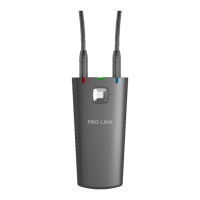
Connect the docking station to a power outlet and place PRO LINK in the docking station.
NOTE: Let the battery charge 100% before using PRO LINK for the first time, e.g., overnight.
CONNECTING PRO LINK TO A COMPUTER
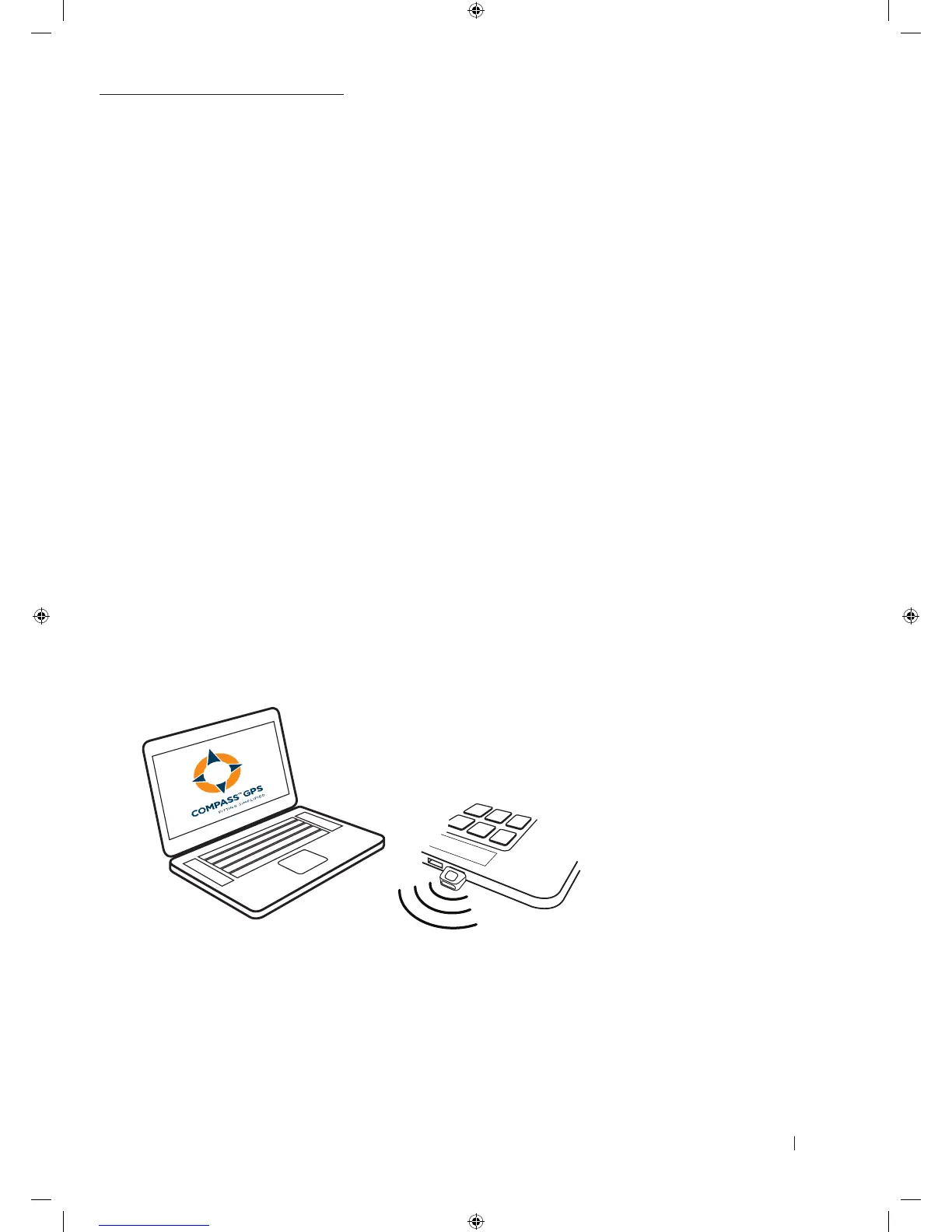
Connect your PRO LINK to your computer using the Bluetooth adaptor by doing as follows:
1. Plug in the Bluetooth adaptor into a USB slot on the computer
2. Turn on the computer
3. Turn on PRO LINK, and it will automatically pair to the Bluetooth adaptor
NOTE
When connecting PRO LINK with the PC and COMPASS GPS, always use the PRO LINK-
specific Bluetooth adaptor or the micro USB cable that comes with PRO LINK.
9 502 4708 001 #01 PRO LINK Quick guide_New.indd 2 12-02-2018 09:24:27







 To Next Page