HOW TO USE PRO LINK
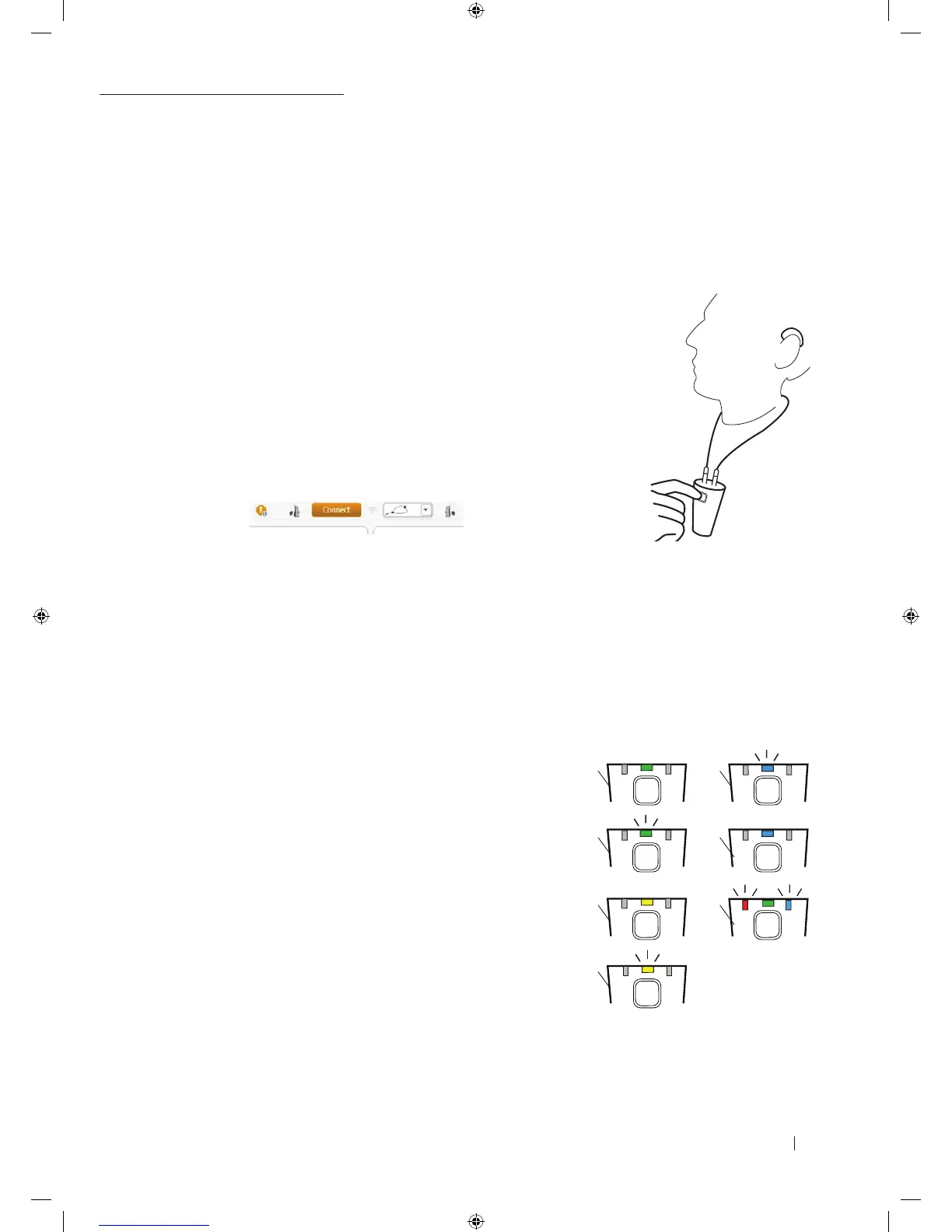
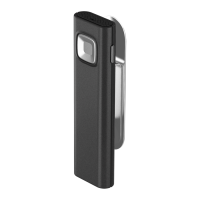
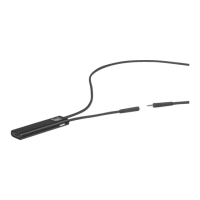
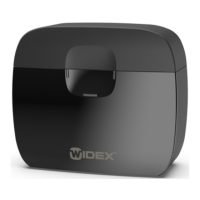
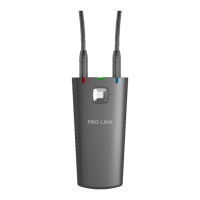
1. Remove PRO LINK from the docking station, and place it on your client
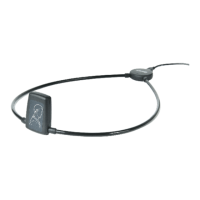
2. Close the neckloop by inserting the neckloop connector into the jack port
3. Turn on the hearing aid(s) and make sure they are within the loop
4. Turn on PRO LINK by pressing the button on the device to establish connection to
COMPASS GPS via Bluetooth
5. Use the dropdown menu next to the “Connect” button in COMPASS GPS to select
the PRO LINK or PRO LINK with micro USB Cable to match the chosen configuration
6. Connect to the hearing aids by clicking the “Connect” button in COMPASS GPS
7. Follow the fitting flow as indicated in COMPASS GPS
8. When fitting is complete, disconnect from COMPASS GPS
9. Open the neckloop on PRO LINK by removing the neckloop connector from PRO LINK
10. Place PRO LINK in the docking station to ensure it is charged for the next fitting
HOW DOES PRO LINK WORK?
This section explains the LED indicators available on PRO LINK and what they mean:
1. PRO LINK is on and the battery charged
2. PRO LINK is charging
3. The battery is running low
4. The battery is very low
5. PRO LINK is in pairing mode
6. PRO LINK is connected via Bluetooth (only shown shortly after
PRO LINK has been connected)
COMMUNICATION BETWEEN HEARING AIDS AND PRO LINK LED
7. PRO LINK is communicating with the hearing aids
5.1.
6.2.
7.3.
4.
9 502 4708 001 #01 PRO LINK Quick guide_New.indd 4 12-02-2018 09:24:28



 To Next Page