EASY SET-UP IN COMPASS GPS
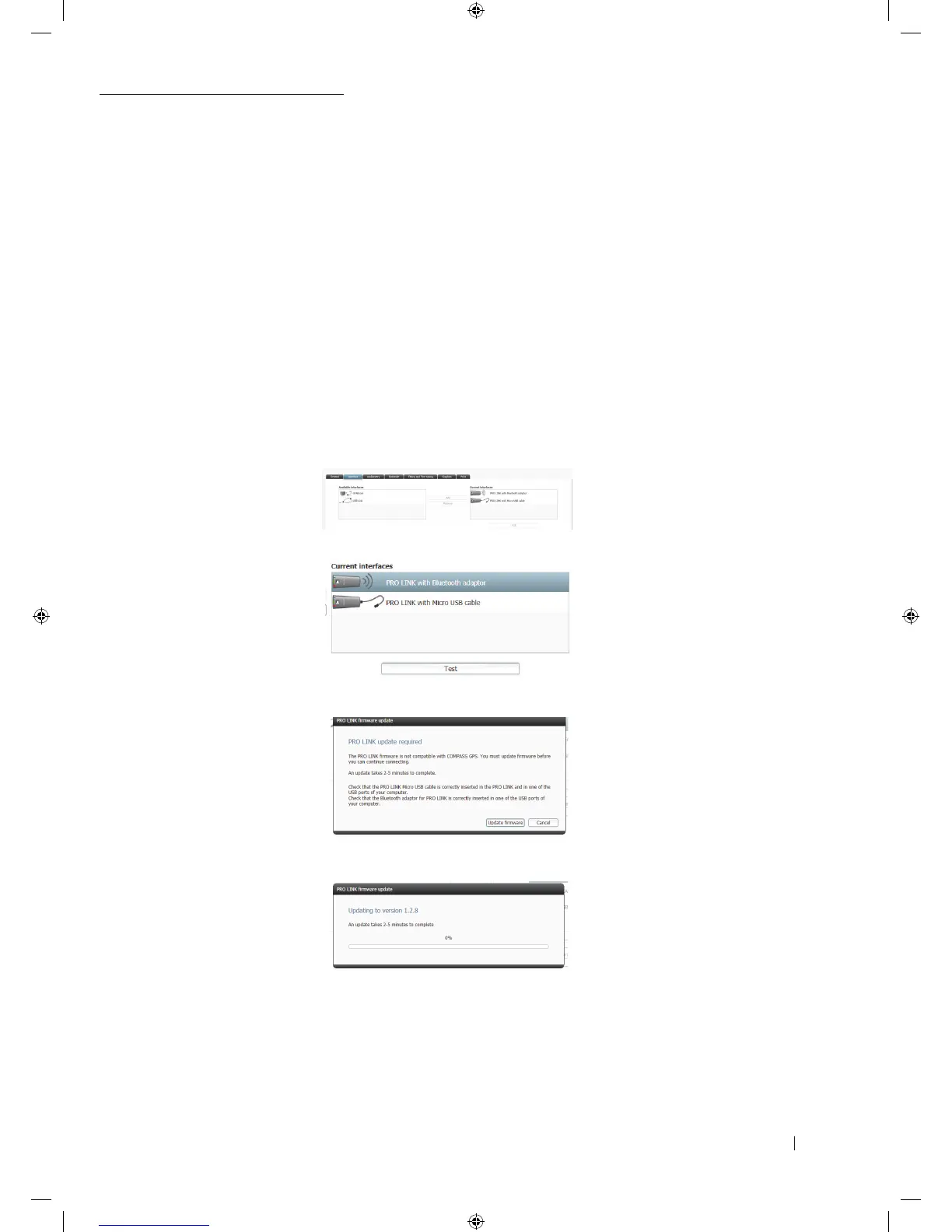
1. Start COMPASS GPS
2. In session start, go to ”COMPASS” set-up
3. Click on the tab ”Interface”
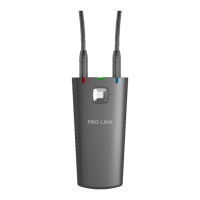
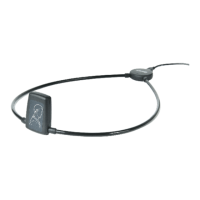
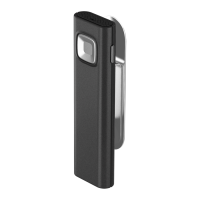
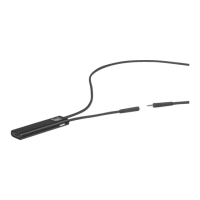
4. Choose PRO LINK with Bluetooth adaptor or PRO LINK with micro USB cable, or both, and select ”Add” to move
to the current "Interfaces” list
4a. PRO LINK with Bluetooth adaptor will enable wireless connection via Bluetooth
4b. PRO LINK with micro USB cable will disable Bluetooth. Using PRO LINK without Bluetooth requires you to
connect PRO LINK with the PC using the micro USB cable included
5. Click on the ”Test” button to ensure PRO LINK is connected
6. If updated firmware for PRO LINK is available, a prompt will appear to allow you to update PRO LINK.
Follow directions on the screen*
7. Leave the Bluetooth adaptor in the PC and connect PRO LINK to the PC with the included USB cable
8. Update will take 2-5 minutes per device
9. You are now ready to fit Widex hearing aids using PRO LINK with COMPASS GPS
* The pop-up will appear only if required, and only if you click either the ”test” button in the interface selection menu, or the ”connect”
button at the top of the COMPASS GPS screen
9 502 4708 001 #01 PRO LINK Quick guide_New.indd 3 12-02-2018 09:24:28



 To Next Page