Kunststoffschweißtechnik
Starting and operating Chapter 5
22.11.2005 Working Instructions WIDOS 4900 CNC 3.0 (110 V) Page 41 of 76
5.15. Serial Printer (optional)
The welding data can be printed on a serial printer (optinal attachement).
For that purpose connect the printer to the serial interface and the plug box of the CNC 3.0,
and switch it on (1) / off (0) with diagnosis no. 0029.
The plug box (1 A) is exclusively provided for the serial printer and not for any other devices.
The printer may only be used with the provided printer cable (do not use a standard printer
cable!)
If the control unit is switched on (1) with diagnosis no. 0029 and there is no connection to the
printer, the display is blocked until the "not performed printout" is ended (appr. 15sec).
Weldings stored in the RAM can be printed with diagnosis no. 0025 by selection of date and
welding number, or with diagnosis no. 9999 as a complete printout.
For operating the serial printer and refilling the paper, please see the working instructions of
the printer.
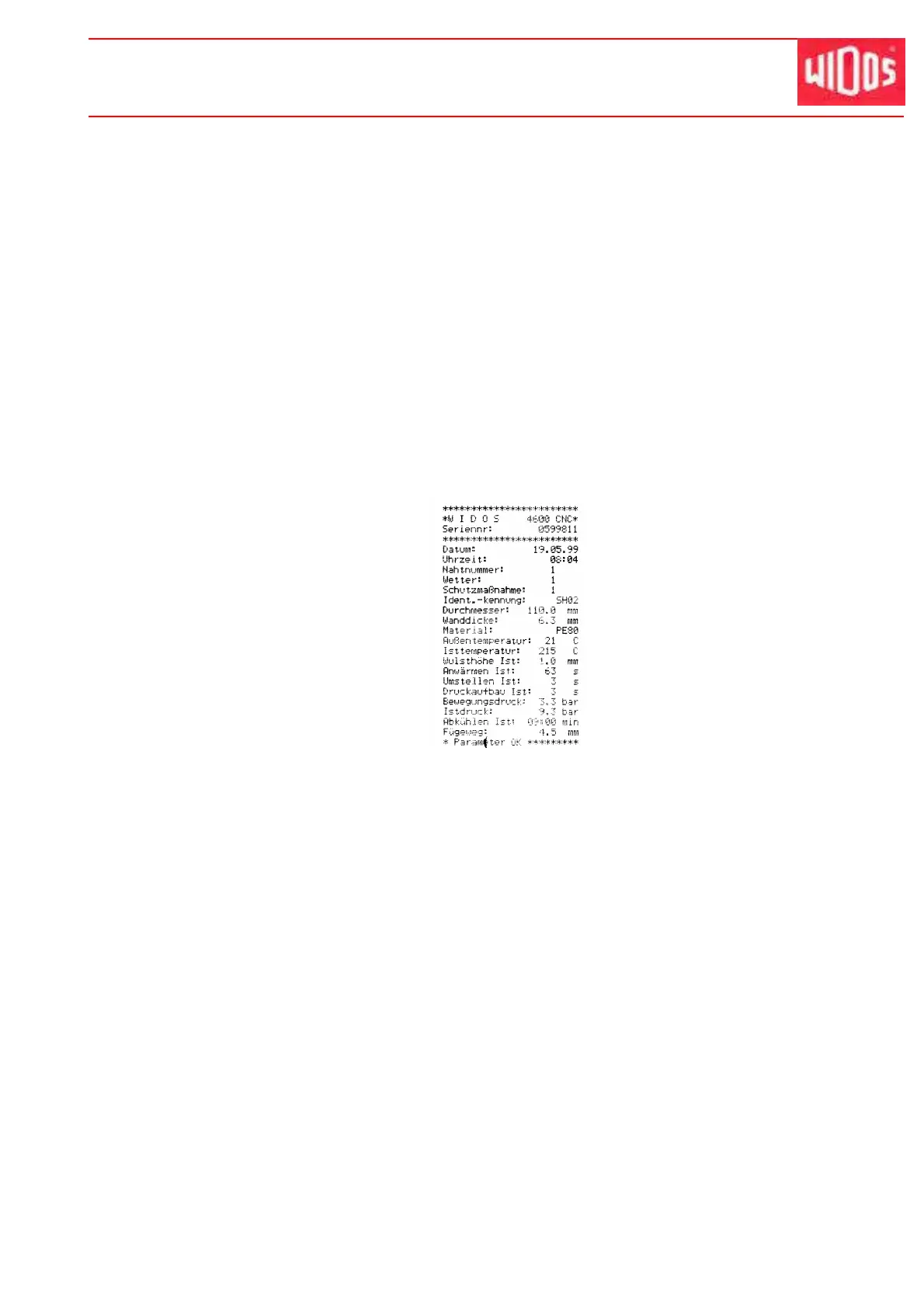
Example for a printout:



 To Next Page