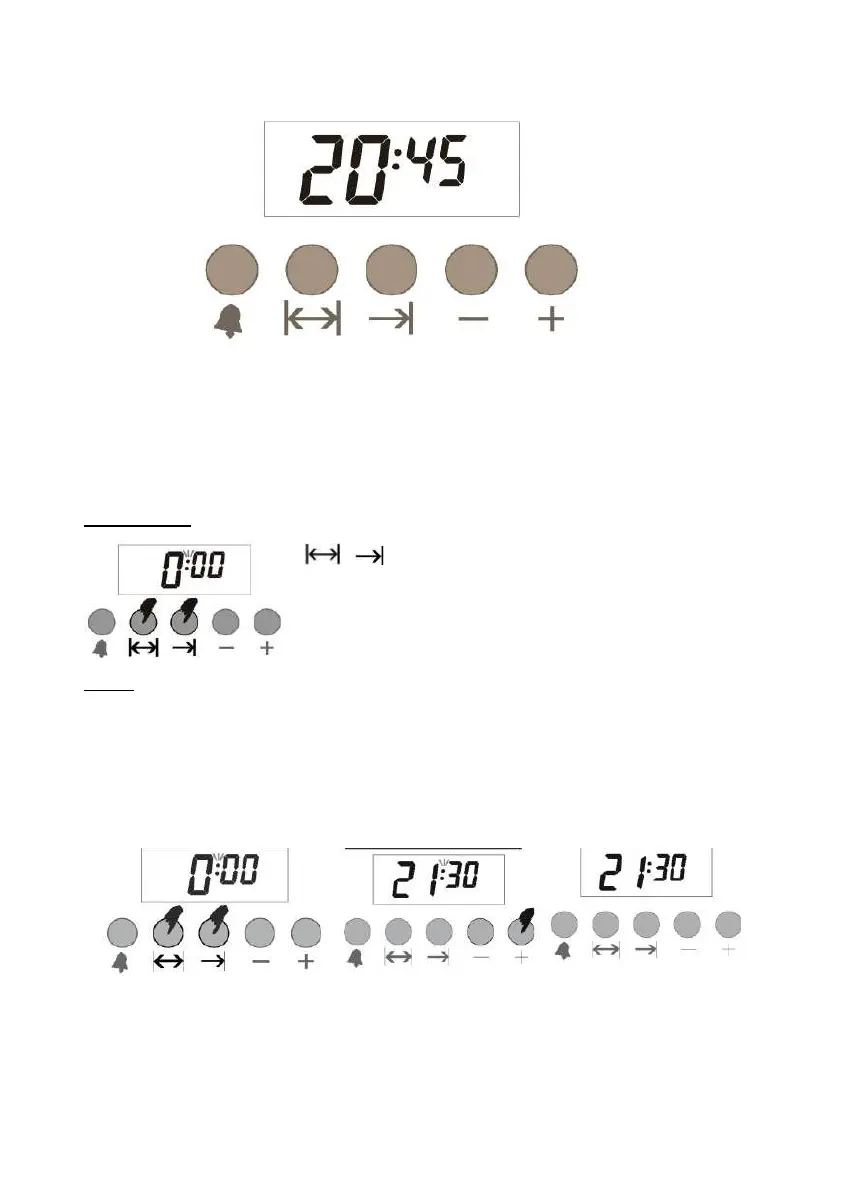
Digital timer
WHEN THE POWER RESUMES
MANUAL MODE
TIMING
Digital timer is an electronic timing module so that the food you place in the oven will be read for service at any
time you wish. For this purpose, simple program, the baking time for the food, and the time you want to prepare
your food. Moreover, it can also be used as an independent alarm clock.
When the mains power is connected, the timer light flashes automatically on the display.
The timer on the display is incorrect and needs to be set (See timer setting). It will require you to switch to manual
mode for bin programming (See manual mode).
To switch to manual mode, press simultaneously these two buttons and
release both.
Press the two buttons together at the same time.
Timer can be set when no baking program is in operation. Switch to manual mode. Two dots will start flashing
between the hour and minute on the screen.
You can set the timer by (+) and reverse by (-). Long pressing these keys changes the time faster.
1- Switch to manual 2- Set the time with
using (+) or (-)
3- The display switches
again after 5 sec.



 To Next Page