EasyManua.ls Logo

WiiM Amp - Buttons and I;O Interface; LED Status Indicators

WiiM Amp
37 pages
Print Icon
To Next Page IconTo Next Page
To Previous Page IconTo Previous Page
Loading...
WIIM AMP USER MANUAL VERSION 1.0 10/29/23
11 | P a g e
BUTTONS AND INPUT/OUT INTERFACE
Buttons / IO Interface
Functions
Power
100-240V 50/60Hz AC Power
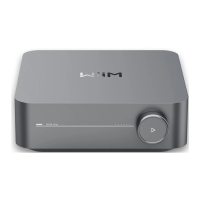
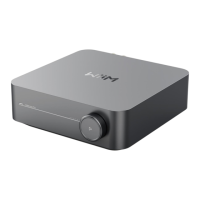
Volume Knob
Push down to Play/Pause, network pairing, and
restore to the factory setting
Turn clockwise: Increase volume
Turn anti-clockwise: Decrease volume
Analog Audio In
Standard RCA
Digital Optical In
SPDIF optical up to 192 kHz/24-bit
HDMI ARC
Stereo PCM (Dolby Digital and DTS are not
supported)
Sub Out
Connect to powered subwoofer, 2.0Vrms
Speaker Out
Passive speakers terminal (R, L), banana plugs

LAN
10/100Mbps Ethernet port
LIGHTS
State
Flashing/Solid
Boot-up
Flashing (fast)
OOBE/Ready to Setup
Flashing (slow)
BT ready to pair
Flashing (slow)
Connecting to Wi-Fi
Flashing (fast)
Connected to network
Solid
BT mode, paired
Solid
Aux-in mode
Solid
OTA
Flashing (slow)