WIIM AMP USER MANUAL VERSION 1.0 10/29/23
14 | P a g e
Connect to CD player, vinyl player, TV or computer
Steps to set up the WiiM Amp with the line-in input:
(Perform step 3/4/5 after WiiM Home App is installed)
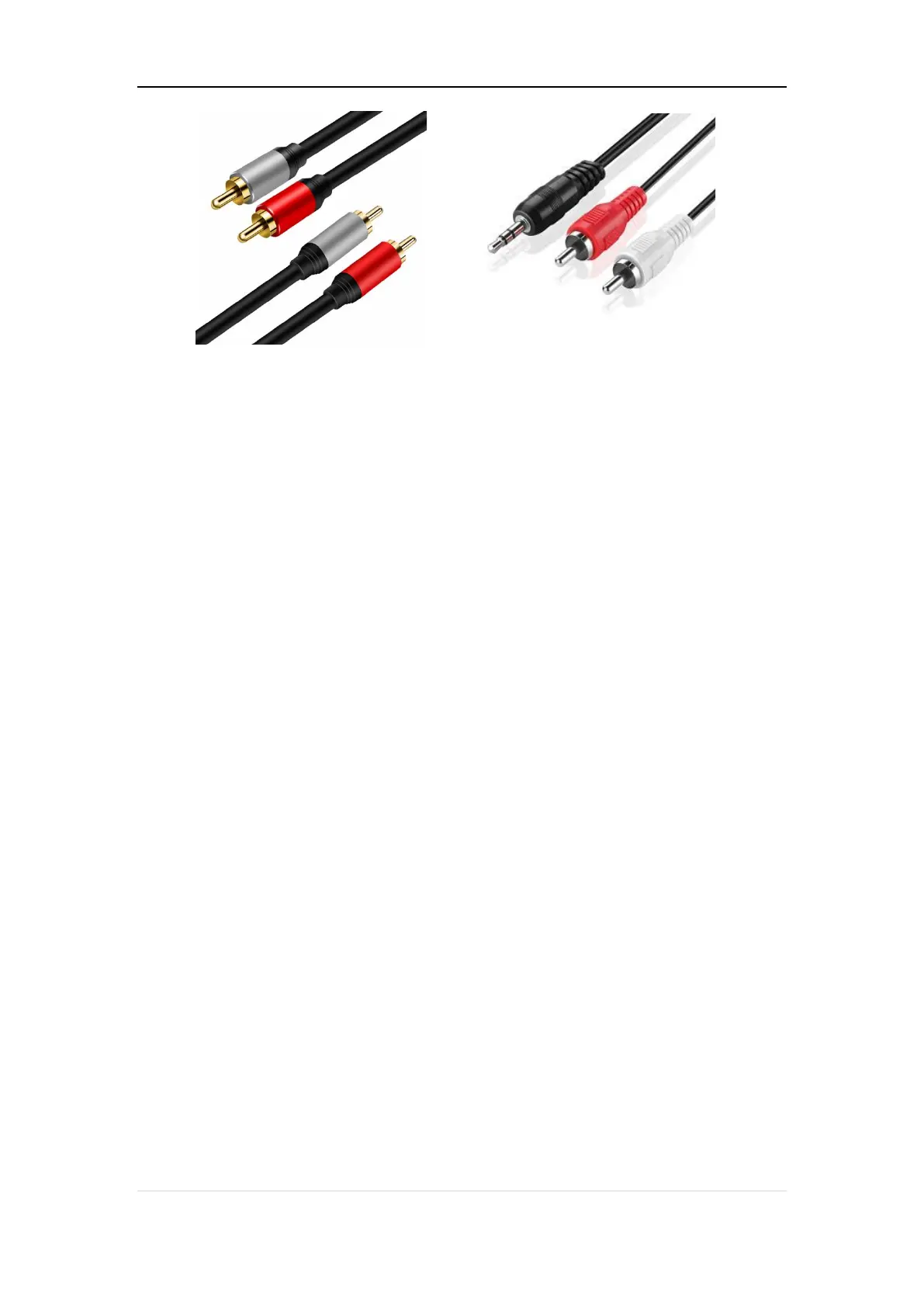
1. Insert the line-in cable into the LINE IN port located at the back of the WiiM Amp.
2. Connect the other end of the cable to the AUX or LINE OUT port on your audio
source device (CD player, vinyl player, TV, or computer).
3. In the WiiM Home app, navigate to the ‘Browse’ tab, choose ‘Select source on
device,’ then opt for ‘LINE IN’ to set it as your audio distribution source.
4. For creating a multiroom music group with your WiiM Amp, access the Devices
section in the WiiM Home app. Select the WiiM Amp linked to your LINE-IN device,
tap the group button (displaying a “link” icon within a box) in the upper-right corner
of the device box, and choose the WiiM Amp you wish to transmit audio to.
5. Once done, the music from the device connected to the WiiM Amp will play across
your multiroom music group.
Scenario 2: Digital Audio Source Input (TV or PC)
Connect your source device to the WiiM AMp's SPDIF IN (optical) port using an optical
cable or HDMI ARC with an HDMI cable.


 To Next Page