53WIKA operating instructions, model CPG1500
EN
14161966.06 03/2024 EN/DE
6.7 Firmware update
A firmware update can be made via the free software packages, WIKA-Cal or
WIKA-DCS.
Procedure
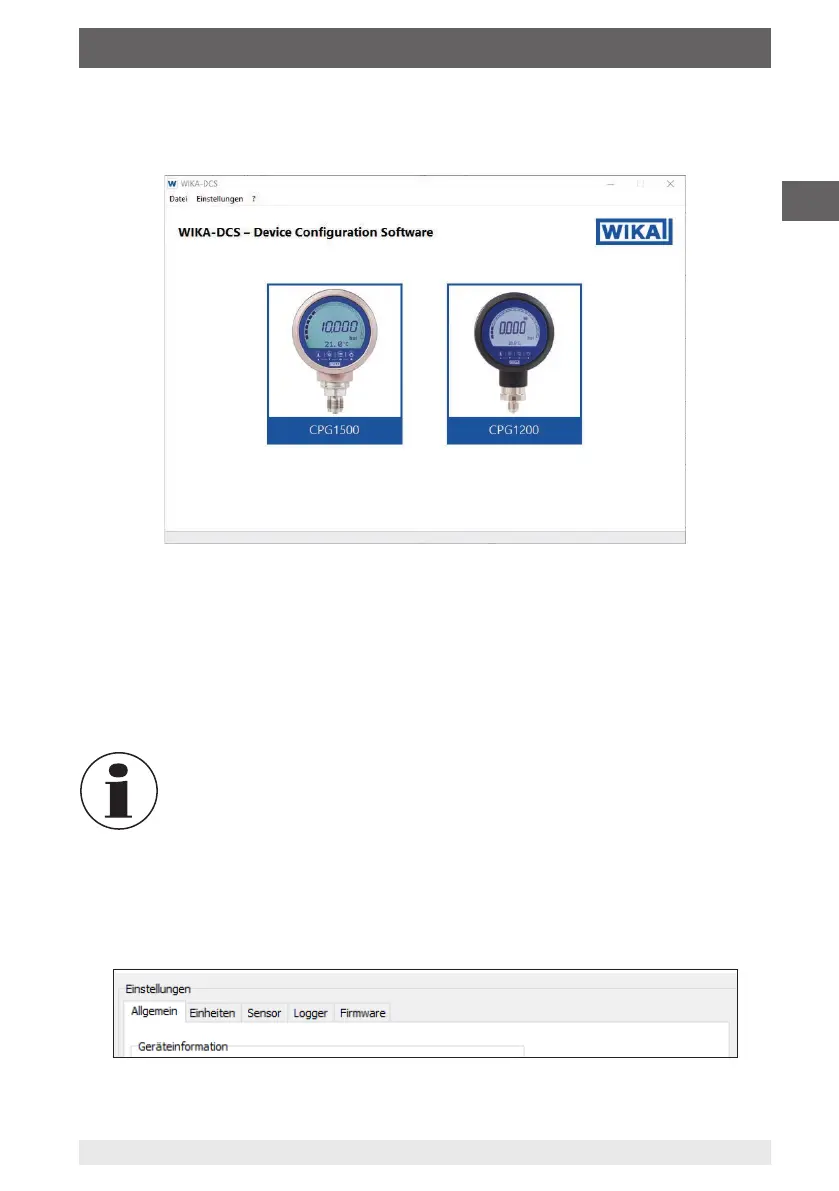
1. Install the WIKA-Cal software or alternative WIKA-DCS on a PC or notebook.
2. Activate Bluetooth
®
in the CPG1500, see chapter 6.6.1 „Activating Bluetooth
®
in the
CPG1500“.
3. Open the software.
4. Press the [Connect] button on the bottom side of the instrument to start the
program.
5. Confirm the CPG1500 selection by pressing [OK].
If there are several instruments in the list, make sure to select the correct
serial number.
6. Compare the pairing code and confirm by pressing [Yes].
⇒
The connection between the instrument and the WIKA-DCS software is
established.
⇒
The General register of the menu window Settings opens automatically.
6. Operation via menu functions



 To Next Page