
 Need help?
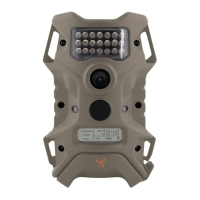
Do you have a question about the Wildgame t5i20 and is the answer not in the manual?
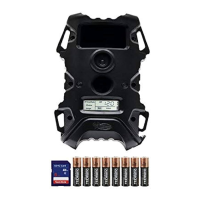
Covers SD card requirements, battery type, and estimated battery life.
Guides through opening the compartment and inserting batteries correctly.
Advises against mixing battery types or states of charge.
Instructions for powering the device on by pressing the power button.
Verifies battery charge level using the icon on the display.
Guides on setting the hour using navigation buttons.
Details how to set the minutes after the hour is configured.
Instructions for setting the day of the month.
Guides on setting the month and year after the day is set.
Instructions for retrieving images using an SD card and reader.
 General
| Resolution | 20 MP |
|---|---|
| Trigger Speed | 0.5 seconds |
| Flash Type | Infrared |
| Video Resolution | 720p |
| Battery Type | 8 AA |
| Storage | Up to 32 GB SD card |

 To Next Page