page 4
4.
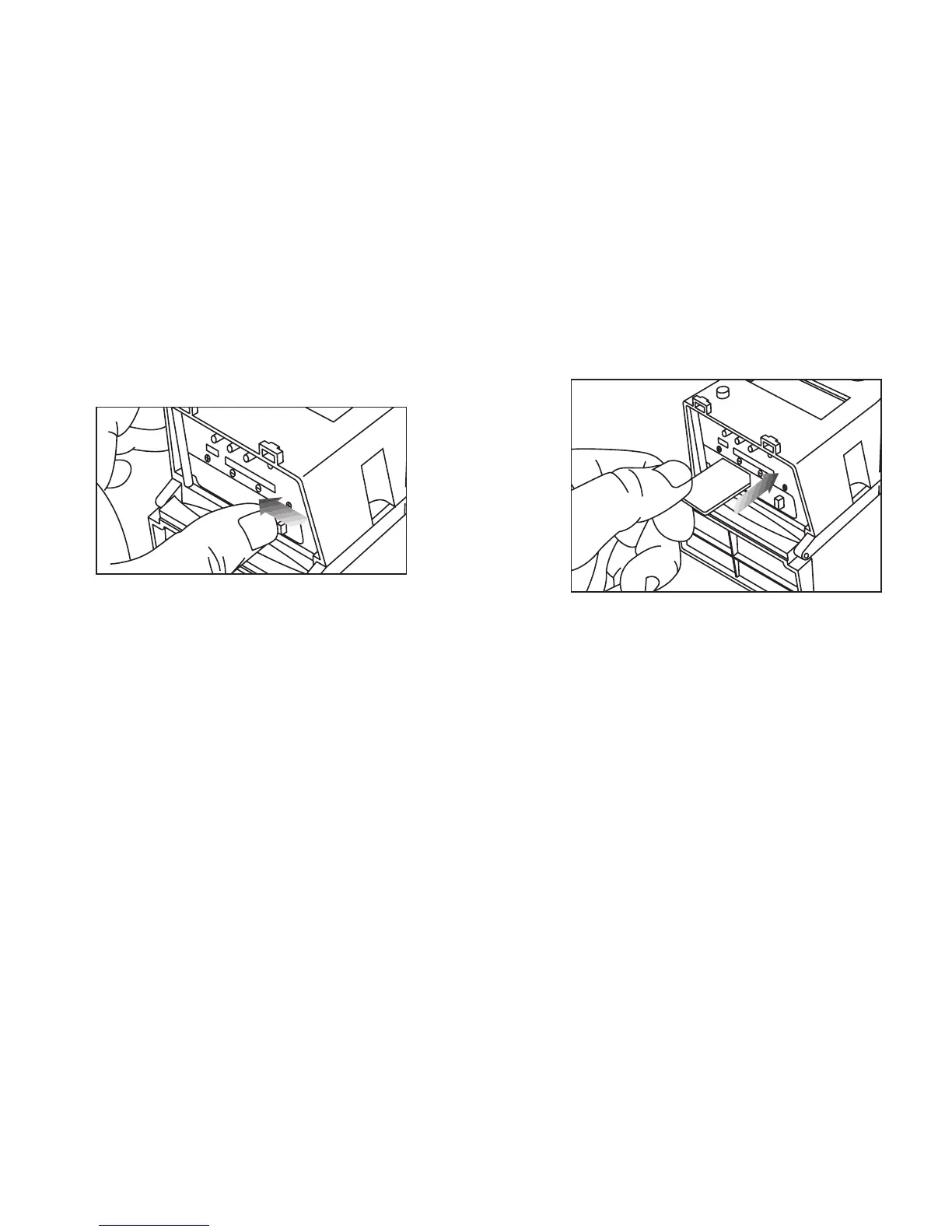
Close battery compartment cover.
To latch the cover simply pull the
latch slightly to the left as you close
the battery compartment cover.
IMPORTANT:
Make sure the camera is powered off
before removing or installing an SD card.
If you are using an SD card from other
cameras, please make sure to format the
SD card in your computer prior to use in
your camera. New cards are ok to use
straight from the package.
5.
Load SD memory card (up to 32GB
not included) into the SD card slot
with the connectors facing down.


 To Next Page