Night Scan Chief
9. Initiate and raise the mast to 90 degrees. Replace the RCP cover.
J4
+
+
+
+
+
+
+
+
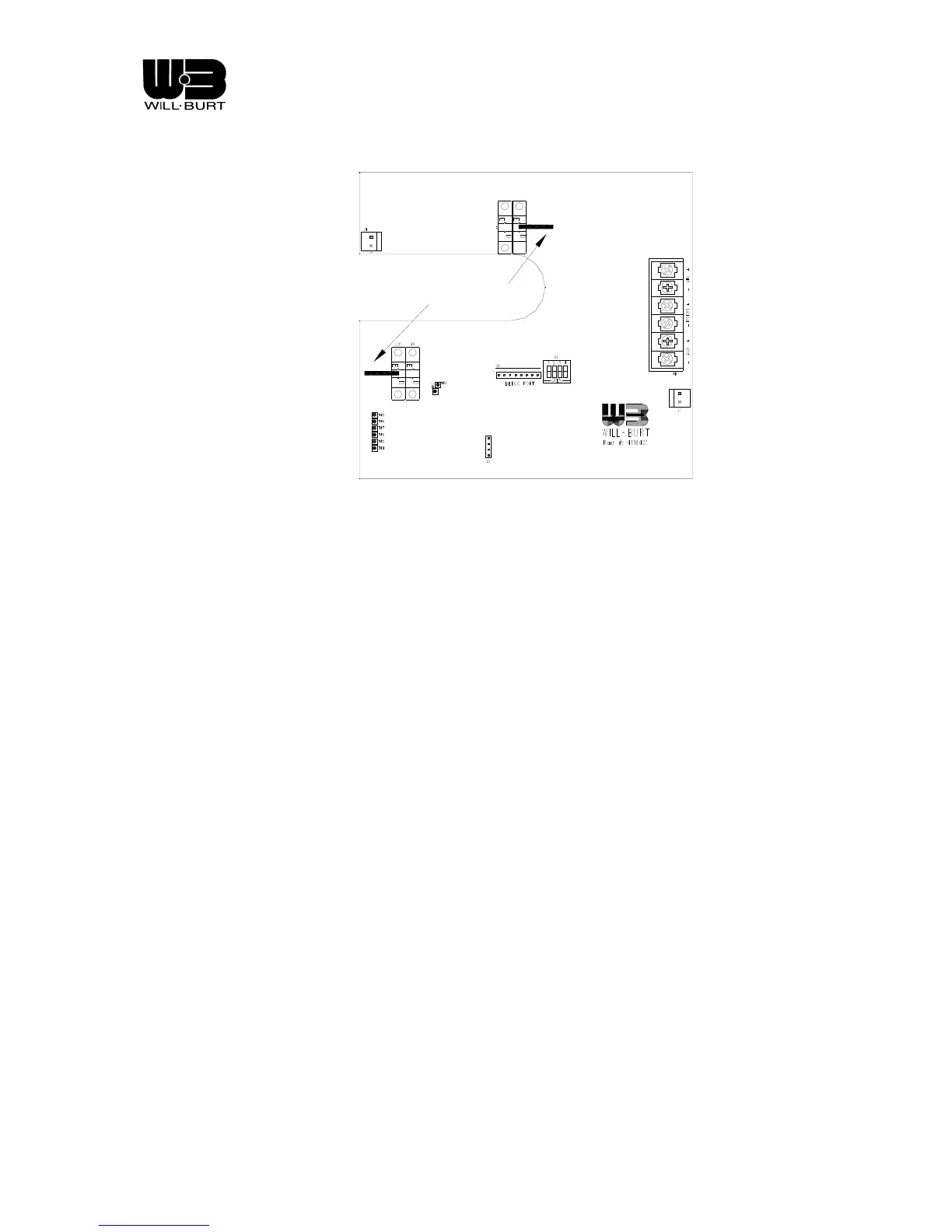
POINTERS @ HOME POSITION
Figure 4-3 Flag Settings
DIP switch setting
Chief base boards require that the DIP switch be set appropriately to determine operational mode. RCP
boards require that the DIP switch be set appropriately to determine operational mode. This takes the place of
setting the operational mode through software by changing a variable.
To set the operational mode for the Base board, locate the DIP switch S2 (see Figure 4-4) and set the DIP
switch as follows:
• Position 1 - DO NOT CLOSE
• Position 2 - Close if the system is a non-NFPA compliant installation
• Position 3 - Close if the system does not have an RCP
• Position 4 - DO NOT CLOSE
• Position 5 - DO NOT CLOSE
• Position 6 - DO NOT CLOSE
Revision 1 4-5


 To Next Page